Why Your Wi-Fi Signal Varies Dramatically From Room to Room
You are comfortably settled on your sofa, streaming a movie without any interruptions or buffering issues. However, as soon as you move to another area of your home, the film suddenly stops and begins to buffer frustratingly. This common scenario often leads people to blame their internet service provider or assume their equipment is outdated. In reality, the problem is often physical, not technical. Much like placing a speaker in a corner of a room results in faint audio, wireless signals are delicate and affected by your home's environment.
The Invisible Challenges of Wireless Signals
Wireless signals must navigate through walls, reflect off shiny surfaces, and weave around furniture to reach your devices. When a router is tucked away in an enclosed space like a closet or positioned in a remote corner, it struggles to transmit effectively, creating dead zones with poor connectivity. Understanding how these invisible waves behave can help you optimize your connection without additional expenses.
Research Reveals Significant Signal Variations
A widespread misconception is that strong signal bars near the router guarantee decent strength elsewhere. Research published in Measurement journal indicates that signal strengths can vary by up to 62 decibels from room to room, translating to thousands of times difference in performance. This variability is not solely dependent on distance; network activity levels play a crucial role. For instance, activities like peer-to-peer file transfers can increase electromagnetic emissions and cause signal fluctuations of up to 10 dB, impacting your connection when others in the household download large files.

How Your Home Architecture Acts as a Filter
Your home's structure essentially filters Wi-Fi signals. Materials such as concrete walls, metal appliances, and densely packed bookshelves absorb or reflect signals, leading to what researchers term "temporal and spatial changes" in speed. This explains why you might experience fast internet in one area and sluggish performance in another, even within the same building.
Optimal Router Placement for Maximum Coverage
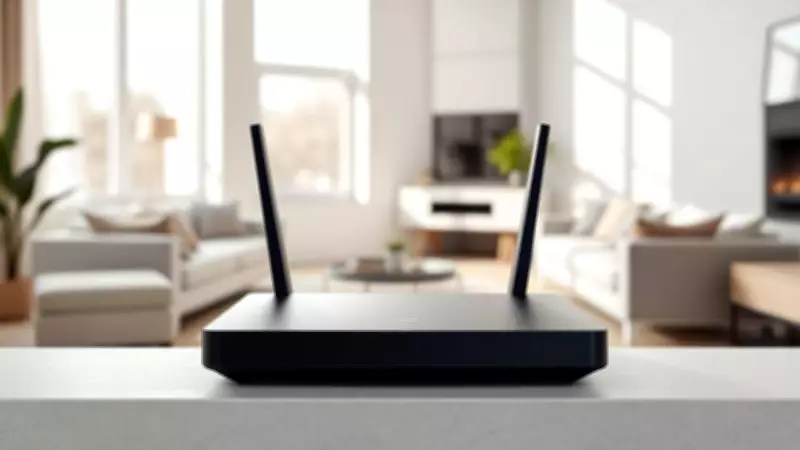
So, where should you position your Wi-Fi router for the best results? Scientifically, central placement is key to equalizing speed across all rooms. Studies on optimizing access point and beacon placement highlight that while precise calculations can be complex, the principle remains straightforward: broader coverage improves connectivity. For optimal reception, place your router in an elevated, central location, such as on a high shelf in a hallway or on a mantelpiece. This allows Wi-Fi waves to travel over furniture rather than through it, enhancing signal distribution.
Avoid Common Placement Mistakes
It is crucial to keep your router away from large metallic objects like refrigerators or filing cabinets, as metal absorbs Wi-Fi signals. In multi-story homes, positioning the router on an upper floor can help distribute signals more evenly. For larger or architecturally complex homes with materials like brick and stone, a single router may be insufficient. In such cases, consider adding access points or extenders to cover dead zones, applying the same placement principles to ensure comprehensive coverage.
By making small adjustments to your router's location and understanding the physical barriers in your home, you can conquer unseen obstacles and enjoy consistent, high-speed internet throughout your living space. This proactive approach not only saves money but also enhances your overall online experience, whether for work, entertainment, or communication.