New iCloud Storage Scam Targets Apple Users with Fake 'Storage Full' Alerts
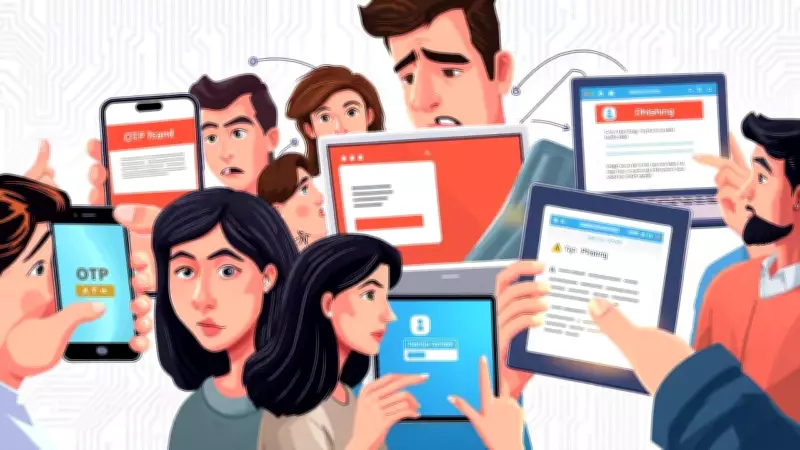
Cybercriminals have developed a new and sophisticated method to defraud individuals, specifically targeting owners of Apple products. According to recent reports, numerous Apple users have been receiving deceptive emails and messages claiming that their iCloud storage is full. These fraudulent communications warn recipients that they have exceeded their storage plan, resulting in documents not being backed up and recent photos failing to upload to the cloud.
The iCloud 'Storage Full' Trap
This scam is particularly effective because the fake emails often arrive at the same time as legitimate alerts from Apple when users genuinely approach their storage limits. Hackers are essentially weaponising a common digital frustration to exploit unsuspecting victims. The messages typically include a professional-looking button labeled "Manage Storage," which serves as a gateway to a sophisticated scam impersonating Apple. The criminals behind this scheme are banking on users clicking the malicious link in a moment of panic.
As detailed in a report by The Guardian, if the initial email is ignored, victims may receive a follow-up message claiming their iCloud account has been blocked. This second email warns that photos and videos will be deleted imminently unless the user "upgrades" their storage immediately.

How the Scam Operates
Once a victim clicks the link, they are redirected to a phishing website meticulously designed to mimic an official Apple login or payment page. If individuals provide their bank details or Apple ID credentials to "pay" for additional storage space, the thieves successfully harvest this sensitive data.
With these details in hand, scammers can attempt to drain bank accounts or sell stolen identities to other criminals on the dark web. This not only poses a significant financial risk but also threatens personal privacy and security.
How to Stay Safe from the iCloud Scam
The most crucial rule for iPhone and Apple device users is to never click on links contained within emails regarding iCloud storage or billing. If you are concerned about your storage levels, the only safe method to check is through your device's settings:
- Open the Settings app on your Apple device.
- Tap on your Name at the top of the screen.
- Select iCloud to view your genuine storage status and manage it securely.
By following these steps, users can verify their storage without falling prey to malicious actors. Always remember that legitimate communications from Apple will never pressure you into immediate action through unsolicited emails.