Google Drive Hack: Transform Your Phone into a Pocket Scanner for Paperwork
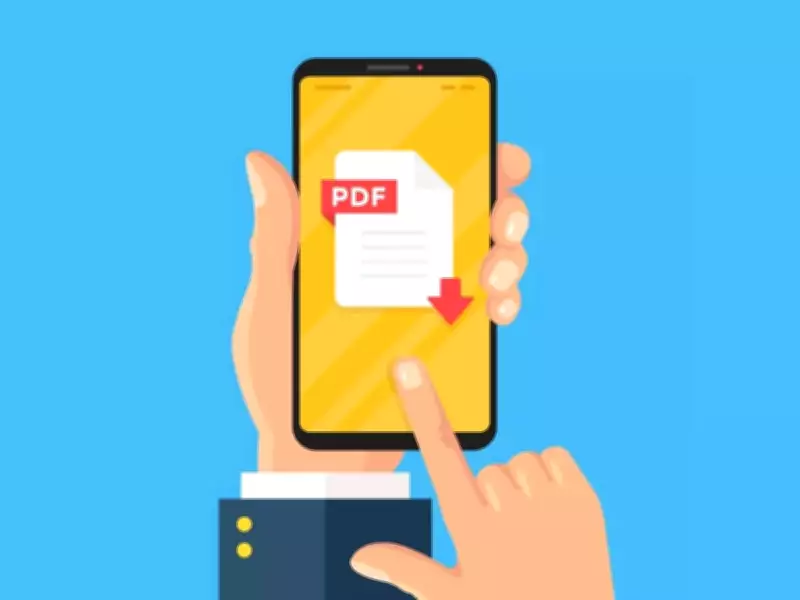
In today's fast-paced digital era, managing physical paperwork has become an increasingly daunting task. Bills, receipts, medical records, school notices, and signed forms often accumulate, leading to disorganization, misplacement, or ending up as blurry, unsearchable photos in your phone gallery. Traditional printer-scanners are bulky and inconvenient for on-the-go use, while simply taking pictures fails to provide the neat, professional format required for official submissions. This is where a simple yet powerful hack comes into play: using the Google Drive app as a pocket scanner to instantly convert paper documents into clean, organized, and searchable PDFs.
What This Hack Solves
This practical solution addresses common everyday hassles by enabling you to:
- Organize bills, receipts, and letters into a single, secure digital location, eliminating physical clutter.
- Submit reimbursements, KYC documents, and signed forms effortlessly without the need for physical copies or visits.
- Avoid cluttered photo albums and the reliance on bulky, traditional scanners, streamlining your workflow.
How to Implement the Hack
Follow these straightforward steps to leverage Google Drive as your pocket scanner:

- Open the Google Drive app on your smartphone or tablet.
- Tap the Add button and select the Scan option (often represented by a camera icon).
- Point your camera at the document, ensuring it is well-lit and captured clearly without shadows or glare.
- Adjust the crop and pages as needed to focus on the relevant content and remove unnecessary background.
- Save the scan as a PDF in your Google Drive, assigning a clear, descriptive file name for easy retrieval later.
Why This Hack is Incredibly Useful
The benefits of using Google Drive as a pocket scanner extend beyond mere convenience:
- Searchable PDFs: Quickly locate specific documents by typing keywords, saving time compared to sifting through physical files or photo galleries.
- Cloud Storage: Files are automatically backed up and accessible across all your devices, ensuring you never lose important paperwork.
- Professional Finish: The resulting PDFs are cleaner and more presentable than standard photos, making them ideal for official submissions, such as job applications or legal documents.
This hack exemplifies smarter living in the digital age, offering a practical way to keep paperwork under control and ensure vital documents are always at your fingertips. By integrating this simple tool into your routine, you can save time, reduce stress, and enhance productivity in both personal and professional contexts.