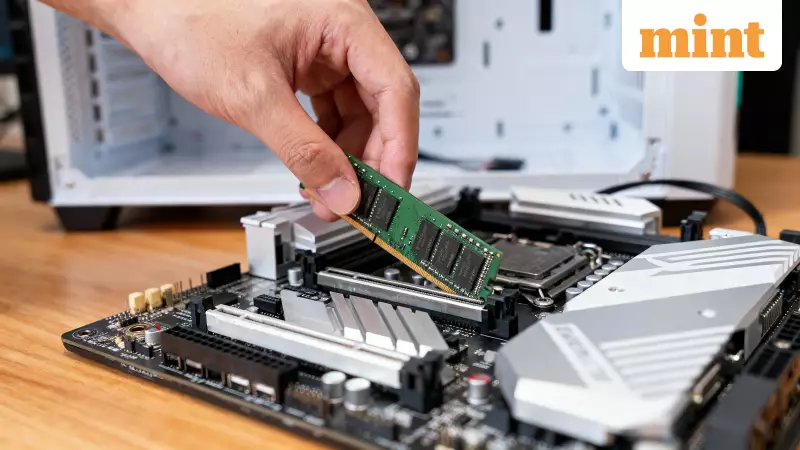
If you are planning to build a new gaming PC, prepare for a nasty shock when you check the current RAM prices. The situation is absolutely brutal for Indian PC builders. Since September, the cost of DDR5 memory kits has literally doubled, pushing the price of some 64GB kits higher than an entire PS5 Pro. This surge might make you want to abandon your build altogether. But before you make a panic purchase or spend excessively on memory you will not fully utilize, let's determine the precise amount of RAM your system actually requires.
Your Gaming Library Dictates Your RAM Needs
The perfect amount of RAM is not a one-size-fits-all solution; it depends entirely on the games you play. If your primary focus is on competitive shooters like Valorant, CS2, or Apex Legends, then 16GB of RAM is completely fine. These titles are optimized for performance and do not consume vast amounts of memory. You can expect solid frame rates, a stutter-free experience, and smooth gameplay without burning a hole in your pocket.
However, if your passion lies in massive, open-world triple-A titles such as Cyberpunk 2077, Baldur's Gate 3, or the upcoming Star Wars Outlaws, then investing in 32GB is the safer and smarter bet. These games load enormous, detailed environments, and having that extra RAM headroom prevents annoying stutters and helps high-resolution textures load much faster.

Resolution, Multitasking, and The Living Room PC
Your display's resolution plays a critical role in this decision. For gamers at 1440p or 1080p resolution, 16GB of RAM handles everything brilliantly. You can run almost any modern game and even do some light streaming on the side without any issues.
But if you are stepping up to the pinnacle of 4K gaming, you should seriously consider upgrading to 32GB. At higher resolutions, your system has to manage a significantly larger amount of data. The extra RAM ensures everything runs smoothly while your graphics card is working overtime to render all those pixels.
Think about how you use your PC. Is it connected to a TV for couch gaming? If so, 32GB is the recommended comfort zone. This is because you are likely to have other applications running in the background—Discord, a web browser with twenty tabs, or streaming software. For a dedicated gaming monitor with nothing else open, 16GB is sufficient. But for a living room PC that acts as a media hub, the additional memory prevents the system from slowing down or choking when you switch between apps.
The Final Factor: Content Creation and Streaming
For gamers who are also content creators, the RAM requirements shift significantly. If you are streaming, recording your gameplay, editing videos, or running OBS while gaming, you absolutely need to jump to 32GB. Content creation demands that breathing room because your PC is juggling the demanding game and the resource-intensive recording software simultaneously. For pure, focused gaming, however, 16GB still gets the job done for the vast majority of players.