

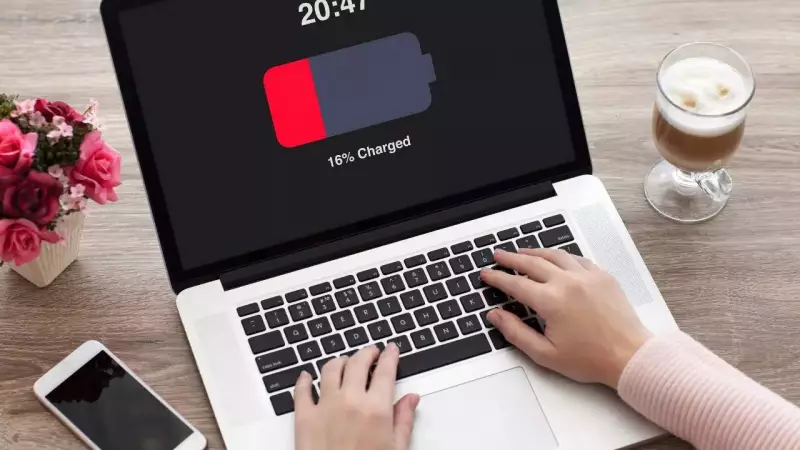
For millions of Indians working from home or attending online classes, keeping laptops permanently connected to power sources has become standard practice. The convenience of never worrying about battery percentage makes this approach appealing, but what does science say about its impact on your device's longevity?
The Hidden Chemistry Behind Your Laptop Battery
A groundbreaking peer-reviewed study published in the prestigious journal Physical Chemistry Chemical Physics uncovered crucial insights about lithium-ion battery behavior. The research demonstrated that batteries age significantly faster when maintained at high charge levels while exposed to heat. This combination creates substantial chemical stress within battery cells, accelerating degradation over time.
Modern laptops feature intelligent charging systems that prevent traditional overcharging by cutting off power once batteries reach full capacity. However, the continuous state of being at 100% charge creates an environment where chemical breakdown occurs more rapidly than in batteries that experience regular discharge cycles.

Heat: The Silent Battery Killer
Temperature plays a critical role in determining how quickly your laptop battery deteriorates. When devices remain plugged in during intensive tasks like video editing, gaming, or software development, internal temperatures rise substantially. This problem compounds when laptops rest on soft surfaces like beds, couches, or blankets that trap heat and obstruct ventilation.
Heat represents one of the most significant factors in battery degradation, according to technology experts. The dual stress of elevated temperature and maximum charge level creates conditions that can reduce battery lifespan by up to 40% compared to properly managed devices.
Practical Solutions for Everyday Users
For individuals who primarily use laptops as desktop replacements, several strategies can minimize battery wear while maintaining convenience. Most laptop manufacturers now include battery conservation features that limit maximum charge to 80-90%, significantly reducing chemical stress. Enabling these settings provides the stability of plugged-in operation without the accelerated aging.
Experts recommend maintaining charge levels between 40% and 80% for optimal long-term battery health. Simple habits like occasionally unplugging the device, ensuring proper ventilation, and using hard, flat surfaces can dramatically extend battery lifespan. Regular calibration through occasional discharge cycles also helps maintain accurate battery percentage readings.
The most effective battery protection strategies include:
- Activating battery conservation mode when available
- Keeping vents clean and unobstructed
- Avoiding heavy workloads during charging sessions
- Periodically discharging to approximately 40%
- Storing devices at partial charge during extended non-use
While modern laptops handle constant charging better than older models, conscious charging habits remain essential for maximizing battery longevity. By understanding the science behind battery degradation and implementing simple protective measures, users can enjoy both convenience and extended device lifespan.






