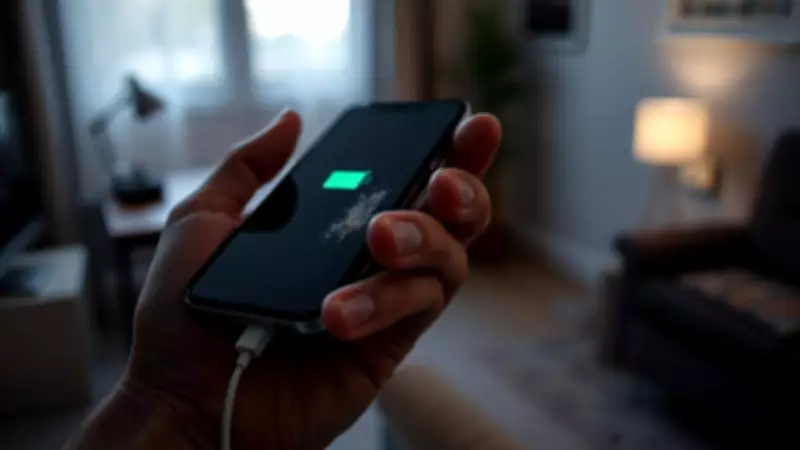
The Hidden Reason Your Phone Charges Slowly: Electrostatic Dust
Do you ever feel the initial excitement of your new device gradually wane as its performance declines over time? You diligently plug it in each night, only to wake up to a battery that remains disappointingly low. While many users instinctively blame a faulty battery or damaged charging cable, a less obvious culprit often lurks within the device itself: electrostatic dust in the charging port.
How Dust Particles Disrupt Electrical Flow
The issue extends beyond visible debris clogging the charging hole. When you connect your charger, electricity should flow seamlessly through the port to the battery. However, smartphones are constantly exposed to environments like pockets, handbags, and desktops, where dust accumulates. This dust is not merely inert dirt; it carries an electrostatic charge that can insulate the connection, making it harder for the charger to communicate with the battery.
A study from the University of Dundee, titled Charge Measurement of Dust Particles on Photovoltaic Module, investigated how dust behaves with electrostatic charges. Although focused on solar panels, the findings apply to smartphones as well. Researchers discovered that when dust particles become charged, they cause a significant drop in voltage levels. This electrostatic effect acts like insulation, obstructing the power flow necessary for efficient charging.

The Science Behind Dust Adhesion and Charging Issues
Further research reveals that small dust particles typically acquire positive electrical charges, while larger ones gain negative charges. When these oppositely charged particles settle on the metallic contacts in a charging port, they attract each other and stick firmly, almost as if magnetized. This explains why users sometimes need to shake their phone or adjust the charging angle to establish a connection—they are attempting to break this electrostatic bond.
In a paper published in the Journal of Electrostatics, scientists noted that the charge level of dust has a more dramatic impact on power flow than the actual quantity of dust. This clarifies why a charging port that appears clean can still cause a phone to charge at a snail's pace. The electrostatic charge creates an invisible barrier that impedes electricity transfer.
Simple Solutions to Restore Charging Speed
Fortunately, addressing this problem does not require advanced physics knowledge or costly repairs. Once you understand the electrical nature of the issue, the solution becomes straightforward: remove the dust and eliminate its electrostatic charge. Avoid using metal objects like paper clips, which risk causing short circuits. Instead, opt for tools designed to break static cling without damaging the phone's delicate internals.
- Use an anti-static brush specifically made for electronics.
- A dry toothbrush can also effectively dislodge charged particles.
- Perform this cleaning monthly to maintain optimal performance.
Regular maintenance is crucial, especially in low-humidity areas or environments with fibrous dust, where charged layers accumulate easily. Taking just a minute each month to clear the connector ensures an unrestricted pathway for electricity, saving you money on unnecessary charger replacements and avoiding the frustration of a constantly draining device.
By incorporating this simple routine, you can preserve your gadget's efficiency and extend its lifespan, ensuring it remains a reliable companion in your daily life.