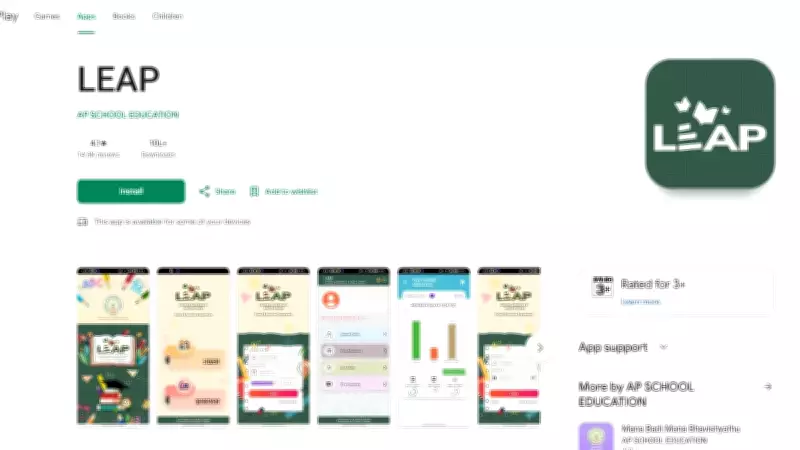
The Andhra Pradesh Board of Secondary Education (BSEAP) has released the SSC (Class 10) examination results for the academic year 2025-2026. Students who appeared for the exams can now access their marks memos through the official LEAP (Learning and Empowerment through Accessible Platforms) mobile application. This digital initiative aims to provide a seamless and hassle-free experience for students to view and download their results from anywhere at any time.
How to Download AP SSC Marks Memo via LEAP Mobile App
Follow these simple steps to access your marks memo through the LEAP app:
- Download the LEAP App: First, download the official LEAP mobile application from the Google Play Store or Apple App Store on your smartphone.
- Login or Register: Open the app and log in using your registered mobile number. If you are a new user, create an account by providing the necessary details such as name, date of birth, and school information.
- Navigate to Results Section: After logging in, look for the 'Results' or 'SSC Results 2026' option on the home screen or in the main menu.
- Enter Credentials: Enter your roll number and date of birth as required. Ensure that the details are correct to avoid any errors.
- View Marks Memo: Your SSC marks memo will be displayed on the screen. You can check your subject-wise marks, total marks, and overall grade.
- Download and Print: Click on the download icon to save the marks memo as a PDF file on your device. You can also take a printout for future reference.
Important Details for Students
The marks memo includes the student's name, roll number, school name, subject-wise marks, total marks, and qualifying status. Students are advised to verify all details carefully and report any discrepancies to their respective schools immediately. The digital marks memo is considered valid for all official purposes, including admissions to higher secondary courses.

Key Features of LEAP App
- User-Friendly Interface: The app is designed with a simple and intuitive interface for easy navigation.
- Secure Access: Personal data is encrypted and protected with secure login protocols.
- Quick Updates: Notifications are sent to users as soon as results are published.
- Multiple Services: Apart from results, the app also provides access to textbooks, study materials, and scholarship information.
Students who have forgotten their roll numbers can retrieve them by using the 'Forgot Roll Number' option on the app or by contacting their school authorities. The BSEAP has also made arrangements for students without smartphones to access results through school computer labs or common service centers.
Additional Tips
To avoid server congestion, students are advised to download the app and check results during non-peak hours. Keep your login credentials safe and do not share them with anyone. In case of technical issues, the LEAP app helpdesk can be reached via the support section within the app.
The AP SSC results are a crucial milestone for students as they determine eligibility for higher secondary education. With the LEAP mobile app, the process has become more accessible and efficient, ensuring that every student can obtain their marks memo without unnecessary delays.