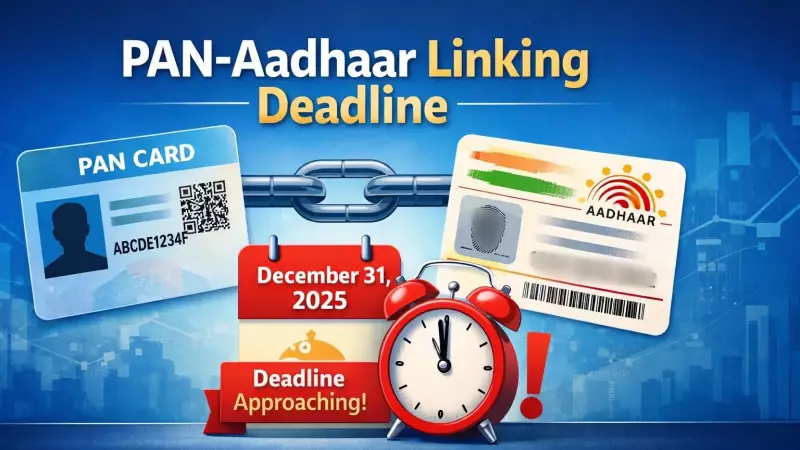
The clock is ticking for Indian taxpayers to link their Permanent Account Number (PAN) with their Aadhaar card. The Income Tax Department has set a firm deadline of December 31, 2025, for completing this mandatory linkage. Failure to comply will have significant financial repercussions starting the very next day.
What Happens If You Miss the Deadline?
From January 1, 2026, all PAN cards that remain unlinked to Aadhaar will be declared "inoperative" by the tax authorities. This is not a mere formality. An inoperative PAN cannot be used for critical financial and tax-related activities. The Central Board of Direct Taxes (CBDT) has explicitly warned that non-compliance will trigger two major consequences:
- Suspension of all income tax refunds.
- Application of a higher Tax Deduction at Source (TDS) rate on your income.
This move is based on Notification No. 26/2025, issued on April 3, 2025. It particularly mandates individuals who were allotted a PAN using an Aadhaar Enrolment ID before October 1, 2024, to now complete the linkage with their permanent Aadhaar number by the year's end.

Step-by-Step Guide to Link Your PAN with Aadhaar
The linking process is conducted online via the Income Tax e-Filing portal and involves a fee for certain taxpayers. Here is a simplified guide to navigate the procedure:
Step 1: Payment of Fee (If Applicable)
If your PAN was issued before July 1, 2017, and has never been linked to Aadhaar before, a fee of Rs 1,000 is applicable. Visit the Income Tax e-Filing portal homepage. Under 'Quick Links', select 'Link Aadhaar'. You will be redirected to a payment page.
Choose the 'e-Pay Tax' option, re-enter your PAN, verify your mobile number via OTP, and select 'Income Tax' as the type of payment. For the assessment year, choose the current year. Under 'Payment Category', select Other Receipts (500). The amount of Rs 1,000 is auto-filled. You can pay via net banking, debit card, or UPI. Note that it may take four to five working days for the payment to reflect in the system.
Step 2: Initiating the Linking Request
Once your payment is confirmed (after a few days), return to the 'Link Aadhaar' section on the portal. Enter your PAN and Aadhaar details. A confirmation message, "Your payment details are verified," should appear. Next, enter your name exactly as it appears on your Aadhaar card and your mobile number.
You must confirm Aadhaar validation and indicate if only the year of birth is mentioned on your Aadhaar. The final step involves entering the six-digit OTP sent to your Aadhaar-registered mobile number to authenticate and complete the linkage.
How to Check Your Linking Status
You can verify the status of your PAN-Aadhaar linkage without logging into the portal. Simply go to the e-Filing homepage, select 'Link Aadhaar Status' under Quick Links, and enter your PAN and Aadhaar details. A green checkmark indicates successful linkage. If the request is pending, a message will state it has been forwarded to UIDAI for validation.
To avoid last-minute technical glitches and ensure your financial transactions remain uninterrupted, taxpayers are strongly advised to complete this linkage well before the December 2025 cutoff. The process requires a valid PAN, an Aadhaar number, and access to the mobile number registered with Aadhaar for OTP authentication.