

Finding a high-quality computer monitor without breaking the bank is a common quest for students, professionals, and home users across India. With a budget cap of ₹8,000, the market offers a surprising array of options that balance performance, features, and value. We embarked on a detailed search to identify some of the most popular and well-regarded monitors in this competitive price segment, analyzing specs, user reviews, and brand reputation to guide your purchase decision.
Key Considerations for Budget Monitor Shoppers
Before diving into specific models, it's crucial to understand what you can realistically expect within this budget. The sub-₹8,000 category is fiercely contested, with brands competing on screen size, panel technology, and connectivity. The primary focus here is on delivering a solid, reliable visual experience for everyday tasks like office work, web browsing, online classes, and casual media consumption.
You will predominantly find screens in the 21.5-inch to 24-inch range. Panel type is a major differentiator; while IPS (In-Plane Switching) panels are praised for their wider viewing angles and better colour reproduction, VA (Vertical Alignment) panels often offer higher contrast ratios. TN (Twisted Nematic) panels, though faster for gaming, typically have poorer viewing angles and colour fidelity. Resolution is another key factor, with Full HD (1920 x 1080 pixels) being the standard and essential for clear text and images.

Popular Monitor Options Under ₹8,000
Our exploration revealed several consistently recommended models from trusted brands like Acer, LG, Samsung, and Zebronics. These monitors have garnered positive feedback for their performance-to-price ratio.
Acer and LG lead the pack with their offerings featuring IPS panels, which are highly sought after for their consistent colour and wide viewing angles. An Acer model, often found around the ₹7,500 mark, provides a 21.5-inch Full HD IPS display with a sleek design and VESA mount compatibility, making it a favourite for those who value image quality for work and casual use.
Similarly, LG has a strong contender with a 22-inch Full HD IPS monitor. Known for LG's reliable performance and colour accuracy, this model is frequently highlighted for its value. It often includes features like AMD FreeSync for smoother visuals and an anti-glare screen, which is a boon for long working hours.
For users with slightly different priorities, a Samsung model with a VA panel presents an attractive alternative. This 24-inch curved monitor offers a more immersive viewing experience thanks to its 1800R curvature and delivers deep blacks due to the high contrast ratio of the VA technology. It's a popular choice for movie enthusiasts and those who prefer a larger, wrap-around screen feel.
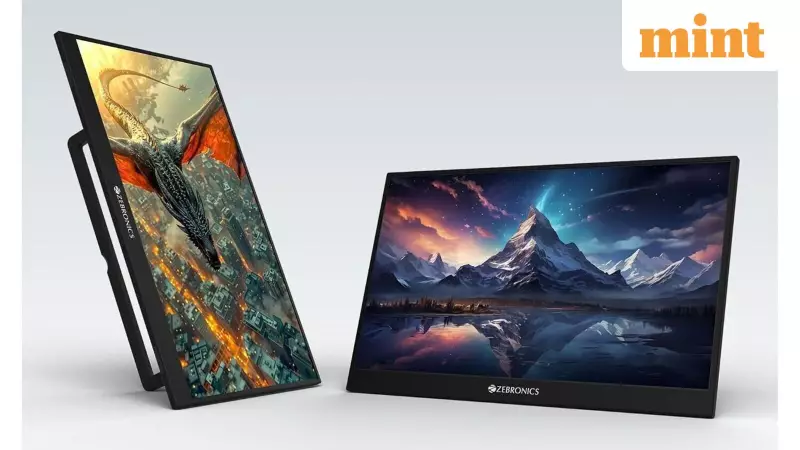
The search also underscores the presence of value-driven brands like Zebronics, which offer feature-packed monitors at aggressive price points. You might find a Zebronics model boasting a 27-inch display with HDMI and VGA ports under ₹8,000, appealing to users who prioritize screen real estate above all else for multitasking.
Making the Final Choice: What to Prioritize?
The "best" monitor under ₹8,000 ultimately depends on your specific needs. If colour accuracy and viewing angles are paramount for content creation or shared viewing, an IPS panel from Acer or LG is the recommended route. For a more immersive, entertainment-focused setup with better contrast for movies and games, the curved Samsung VA panel is a compelling option. If your desk space demands a large screen and you need multiple connectivity options, exploring offerings from value brands can yield surprising results.
It is always advisable to check the latest prices on e-commerce platforms like Amazon and Flipkart, as deals and discounts can make a higher-spec model fall within your ₹8,000 budget. Pay close attention to warranty terms, customer reviews regarding after-sales service, and the inclusion of essential cables (like HDMI). With careful consideration, you can secure a monitor that significantly enhances your computing experience without straining your finances.






