

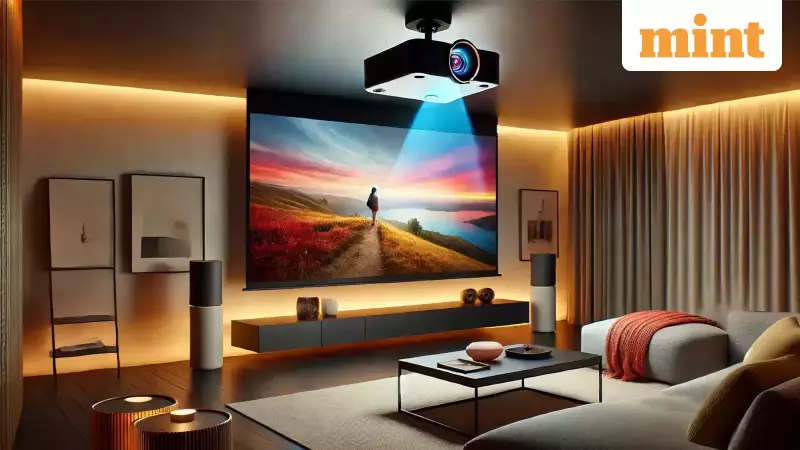
Choosing a projector can feel like a simple task until you dive into the sea of available models. A quick online search reveals countless options, each boasting technical jargon and the promise of a cinematic experience. This is where many first-time buyers hit a wall. The performance of a projector isn't standalone; it deeply depends on your room's environment, the ambient lighting, and your primary use case. A model with stellar reviews might disappoint in your living room or fail to deliver during daytime viewing. To make a smart investment, you need to cut through the noise and focus on what truly matters. Here are nine fundamental points to guide your decision.
Core Specifications That Define Performance
Before looking at models, define your primary need. Are you buying it for business presentations, home cinema, gaming, or portable use? For office presentations, prioritise brightness and easy connectivity to laptops. Home theatre enthusiasts should chase high resolution and contrast for that true movie feel. Gamers must scrutinise input lag and refresh rates, while travellers need compact, battery-operated models.
Resolution and Image Clarity
Resolution is a key determinant of picture detail. 1080p (Full HD) projectors are excellent for general use, gaming, and presentations, often offering lower latency. For a more immersive experience with movies and streaming, 4K projectors provide significantly sharper images. It's important to note that many 4K models use pixel-shifting technology to achieve 4K-like resolution, which is great for films but may not support the highest refresh rates demanded by competitive gaming.

Brightness and Contrast for Your Space
Measured in ANSI lumens, brightness dictates how well the image holds up in different lighting conditions. For a dedicated, dark home theatre, 1,500 to 2,000 ANSI lumens may suffice. A room with moderate ambient light needs 2,000 to 3,000 lumens, while brightly lit spaces or outdoor setups require 3,500 lumens or more. Always verify if the specification mentions ANSI lumens, the industry standard, or a different measurement like LED lumens.
Equally critical is the contrast ratio, which defines the difference between the darkest blacks and brightest whites. A higher ratio, like 10,000:1 or above, delivers deeper blacks and more lifelike images, crucial for movie nights. A lower ratio, around 3,000:1, might be acceptable for everyday presentations or casual TV viewing but can make movie scenes look flat and grey.
Practical Considerations: Setup and Connectivity
Placement and Throw Distance
The throw distance determines how far the projector must be from the screen to cast a large image. This is vital for planning your room layout. Short-throw projectors are ideal for small rooms, as they can project a big picture from a short distance. Standard throw models suit larger spaces. Ultra-short-throw (UST) projectors can sit just inches from the wall, saving space, but they often require precise alignment and may work best with specific screens to avoid distortions.
Ports and Smart Features
Ensure the projector has the right ports to connect all your devices. Look for multiple HDMI ports for streaming devices, gaming consoles, and laptops. USB ports are handy for playing media directly or powering accessories like streaming sticks. Wireless features like Wi-Fi and screen mirroring (Miracast/Chromecast) help reduce cable clutter.
Many projectors now come with built-in smart TV platforms like Android TV or Google TV, allowing direct access to streaming apps. However, a key caveat for Indian users is that not all smart projectors have official Netflix certification due to licensing. If Netflix is a must-have, confirm its compatibility before purchasing, or be prepared to use an external streaming device.

Final Checks Before You Buy
Don't overlook installation aids and audio quality. Features like keystone correction (digital) and lens shift (physical) are invaluable if you cannot place the projector perfectly aligned to the screen. Note that keystone correction can sometimes slightly degrade image quality.
Finally, temper your expectations for built-in sound. Most projector speakers are basic and lack power. They are fine for presentations or background viewing, but for a truly engaging movie or gaming session, you should plan for an external audio solution like a soundbar or Bluetooth speakers.
In conclusion, the right projector seamlessly fits your specific needs, room environment, and budget. Focus on the specifications that matter most to you, read long-term user reviews, check the manufacturer's warranty, and avoid paying for advanced features you will never use. A little research guided by these nine points will lead you to a satisfying big-screen experience.





