

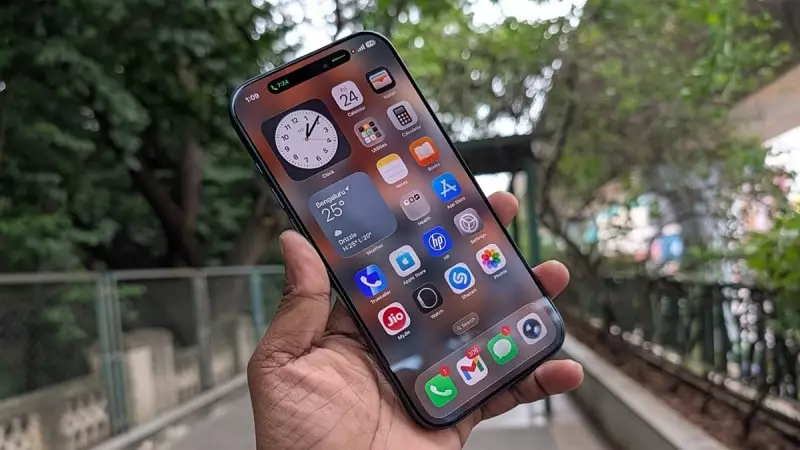
Apple has taken swift action to protect iPhone users by launching a significant software update. The company released iOS 26.2 on 16 December 2025, a move primarily driven by the need to address a serious security threat. This update patches a critical zero-day vulnerability that could have been actively exploited, making its installation an urgent priority for all users.
What's Inside the Critical Security Update?
The core of the iOS 26.2 release is a vital security patch. A zero-day flaw refers to a software weakness that attackers discover and exploit before the developer becomes aware of it. By issuing this update, Apple is closing a potential gateway for malicious actors to compromise iPhone security. While the company has not disclosed specific details about the nature of the vulnerability to prevent further exploitation, the classification as a zero-day patch underscores its seriousness. Users are strongly advised to install the update immediately to safeguard their personal data and device integrity.
Beyond Security: Introducing the New Passwords Feature
Alongside the crucial security fix, iOS 26.2 brings a practical new functionality aimed at simplifying digital life. The update introduces a new Passwords option within the system settings. This feature is designed to assist users in adding login credentials for online accounts that were previously not linked to a dedicated password manager app on the iPhone.

This enhancement means users can now more seamlessly store and manage passwords for various websites and services directly through Apple's integrated ecosystem. It promotes better security hygiene by encouraging the use of managed passwords over weak or reused ones, effectively making the iPhone's built-in capabilities a more central hub for credential management.
Why You Should Update Immediately
The dual nature of the iOS 26.2 update makes it one of the most important releases from Apple recently. The presence of a patched zero-day flaw means the risk associated with delaying the update is tangible. Technology journalist Rohit KVN reported on this release, highlighting its urgency.
To update, iPhone users should navigate to Settings > General > Software Update and download iOS 26.2. Ensuring your device runs the latest software is the single most effective step you can take to maintain its security against emerging threats, while also gaining access to useful new features like the enhanced password management system.






