

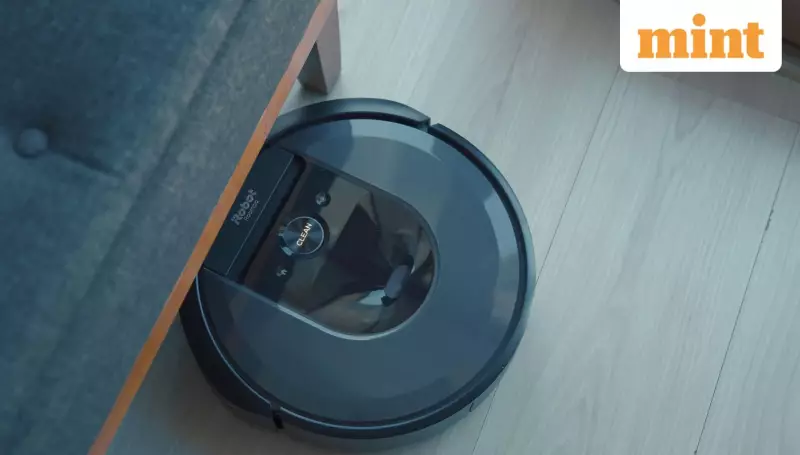
If your robot vacuum cleaner seems to be underperforming—missing corners, getting stuck on cables, or avoiding certain areas—the problem might not be the device itself. The culprit is often the factory-default configuration. Most robotic vacuums are set to work in an "average" home environment straight out of the box, which rarely matches the unique challenges of a real living space.
Unlock Your Robot Vacuum's Hidden Potential
The true power of a modern robot vacuum lies within its companion smartphone app. Buried in the settings are controls that dictate its movement, suction power, and maintenance routines. A few simple adjustments, as highlighted by home appliances writer Aishwarya Faraswal, can transform its efficiency. These changes are crucial for homes with pets, children, mixed flooring, or high humidity, which demand a more tailored cleaning approach than the standard showroom settings provide.
Essential Settings You Must Adjust Immediately
Here are six key settings you should change right away to see the actual potential of your investment and stop complaining about its performance.

1. Activate Pet Mode for Enhanced Awareness
Don't let the name fool you. Enabling Pet Mode isn't just for pet owners. On many models, this setting increases the object avoidance sensitivity. This makes the robot more cautious around everyday clutter like socks, toys, and charging cables, significantly reducing the risk of it getting stuck or damaged when you're not around to pre-clean the area. While it might skip tiny sections to avoid obstacles, the trade-off for a hassle-free clean is worthwhile.
2. Switch On Carpet Boost for Deeper Cleaning
If your robot vacuum has a Carpet Boost or similar feature, make sure it is enabled. This allows the device to automatically increase suction power when it detects carpeted surfaces. This extra pull is vital for lifting dust and debris embedded deep within medium or high-pile carpets, where the standard suction level often proves inadequate.
3. Increase the Auto-Empty Frequency
For robots with self-emptying docks, remember that the onboard dustbin is quite small. In households with pets or high dust levels, this bin fills up rapidly. By increasing the auto-empty frequency in the app, you allow the robot to return to its dock mid-clean to empty itself. This prevents clogs and maintains consistent suction power throughout the cleaning cycle, a common issue in pet-friendly homes.
Fine-Tuning for Maintenance and Mopping
4. Extend the Dustbin Emptying Duration
Some docking stations don't fully empty the robot's bin in the default time allocation. If your app allows it, try increasing the suction duration during the emptying process. Although this may be slightly noisier, it ensures that stubborn pet hair and debris are completely transferred to the dock's larger bag instead of remaining trapped inside the robot's small bin.
5. Adjust the Mop Pad Drying Time
Hybrid robot vacuum-mops typically dry their mop pads using hot air. In default mode, the drying time may be too short, leaving moisture behind that can lead to unpleasant odours or mould growth, especially in humid climates. For better hygiene, consider extending the drying time to three or four hours, while being mindful of electricity consumption.
6. Change the Mop Washing Frequency
For homes with extensive hard flooring, ensuring the mop pad is clean is essential. Adjust the settings to wash the mop pads more frequently, such as every 10 to 15 minutes. This prevents the robot from spreading dirty water and grime across your floors, which is particularly important in homes with active kids or pets.
By taking a few minutes to customise these settings, you can move from frustration to satisfaction, ensuring your smart cleaning device is perfectly adapted to your home's specific needs. The solution to a poorly performing robot vacuum often rests not in a repair call, but in the palm of your hand, within its app.






