Snapchat Unveils AI Clips: A Revolutionary Tool for Instant Video Creation
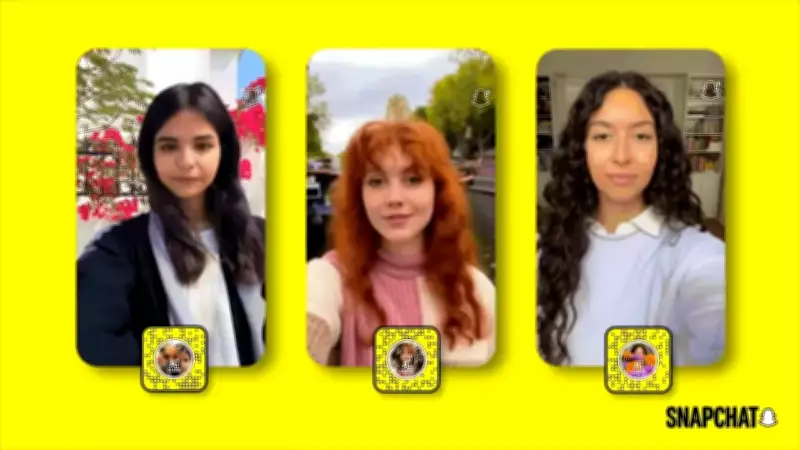
In a significant move to democratize AI-powered content creation, Snapchat has officially launched AI Clips, a groundbreaking new Lens format within its Lens Studio platform. This innovative feature allows users to transform a single photograph into a dynamic five-second video with just a few taps, marking a leap forward in accessible video production tools for the social media giant's community.
How AI Clips Work: Simplifying AI Video Generation
Exclusively available to Lens+ subscribers, AI Clips operate on a closed-prompt system, which sets them apart from traditional AI video tools. Unlike open-ended text-to-video models that require user input, this system relies on predefined creative directions established by developers. Users simply select a Lens, apply it to a photo from their Snap or Camera Roll, and the AI automatically generates a video without any need for manual instructions or prompts.
The process is designed for speed and ease, making AI video creation accessible even to those without technical expertise. Once the AI processes the image, it produces a five-second video that can feature various settings, such as cinematic effects or surreal backgrounds, all tailored to the developer's vision. This closed-prompt approach ensures consistency and reduces variables, allowing developers to maintain creative control while offering users a seamless experience.

Step-by-Step Guide to Using AI Clips on Snapchat
- Open the Snapchat app and ensure you have an active Lens+ subscription.
- Navigate to the Lens carousel or scan a Lens Snapcode to access available AI Clip Lenses.
- Select the desired AI Clip Lens from the options presented.
- Choose a photo by either capturing a new image with the camera or selecting one from your Camera Roll.
- Apply the Lens by tapping the screen, initiating the AI video generation process.
- Wait for the AI to produce the five-second video based on the image and the Lens's creative prompt.
- Once generated, you can view the video, save it to your device, or share it directly via Snapchat chats, stories, or the Spotlight feature—all without any editing required.
AI Clips in the Broader AI Video Landscape
AI Clips represent a distinct evolution in the AI video domain. While many existing tools rely on text-to-video conversions that can be time-consuming and unpredictable, AI Clips offer a mobile-first, predesigned experience. This focus on brevity and simplicity, with a fixed five-second output, caters to the fast-paced nature of social media consumption.
By integrating into the Gen AI Suite within Lens Studio, Snapchat empowers developers to create and distribute these AI Clips, fostering a ecosystem of innovative content. The closed-prompt system not only streamlines production but also ensures that videos align with the developer's artistic intent, providing a curated yet effortless way for users to engage with AI technology.
This launch underscores Snapchat's commitment to enhancing user creativity through advanced, yet approachable, AI tools, setting a new standard for instant video generation in the digital age.