

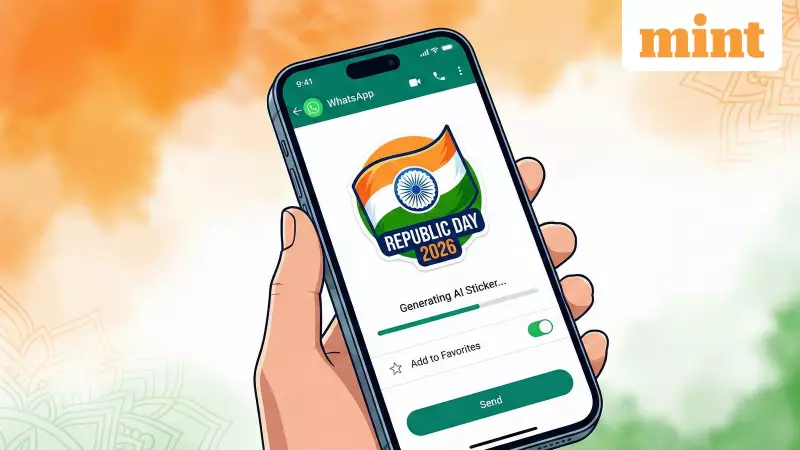
How to Create Custom Republic Day 2026 Stickers on WhatsApp Using AI
As Republic Day 2026 approaches, WhatsApp users can now elevate their celebrations by creating personalized AI-generated stickers. This innovative feature allows you to move beyond standard greetings and express your patriotism in a unique, digital format. Whether you're using Meta AI or exploring alternative applications, crafting custom stickers has never been easier.
Step-by-Step Guide to Generate AI Stickers on WhatsApp
Follow these simple steps to create your own Republic Day 2026 stickers directly within the WhatsApp application:
- Open WhatsApp on your smartphone and navigate to any individual or group chat where you wish to send the sticker.
- Tap the emoji icon located in the message bar, then select the sticker tab from the options that appear.
- Choose the 'create' option found below the search bar, and click on "Generate with AI" to initiate the sticker creation process.
- Enter a descriptive prompt for your custom Republic Day sticker. For example, you might type "Republic Day 2026 sticker with Indian flag and Ashoka Chakra" or "Patriotic India sticker with tricolour theme and 26 January text."
- WhatsApp will generate a variety of distinct sticker options based on your input. Browse through the selections to find one that resonates with your vision.
- Tap on your preferred sticker to send it immediately in the chat. The chosen sticker will also be automatically saved in your "Recent" stickers folder for future use.
Creative Prompt Ideas for Republic Day Stickers
To inspire your creativity, here are some effective prompts you can use with Meta AI to generate engaging Republic Day 2026 stickers:

- Cute Indian child saluting with a tricolour background
- Indian map made of orange, white and green flowers
- Republic Day 2026 futuristic text art
- Ashoka Chakra glowing neon style
- Tiger running with Indian flag cape
It is important to note that Meta may display targeted advertisements across its platforms, including Facebook, Messenger, Instagram, and WhatsApp, based on your interactions with the Meta AI chatbot. If you prefer not to create your own sticker, you can simply tap the search icon and look for Republic Day stickers among the pre-existing presets available on the app.
Alternative Apps for Creating Republic Day Stickers
If you do not have access to Meta AI's sticker generator or wish to avoid sharing your data with Meta's AI, several alternative applications offer robust sticker creation capabilities:
- Sticker.ly: This app boasts an extensive library of pre-made stickers and features an 'Auto Cut' tool that effortlessly removes backgrounds from photos, making it ideal for transforming personal images into Republic Day stickers.
- Picsart: Picsart provides comprehensive editing tools, including background removal, filter application, and text addition, enabling you to design the perfect sticker for Republic Day celebrations.
- Stickify: Stickify not only offers a vast collection of pre-made stickers but also includes a "Sticker Studio" that allows users to create custom stickers using photos, videos, and even GIFs.
By leveraging these tools, you can add a personal touch to your Republic Day greetings and share the festive spirit with friends and family in a memorable way.






