SIR Form Online: Revolutionizing Voter Registration in India
The Election Commission of India has launched a streamlined digital process for the Special Intensive Revision (SIR) of electoral rolls. Unlike traditional offline methods, the online SIR system is entirely managed by the Election Commission of India (ECI), making voter registration more accessible than ever before.
What is the SIR Enumeration Form?
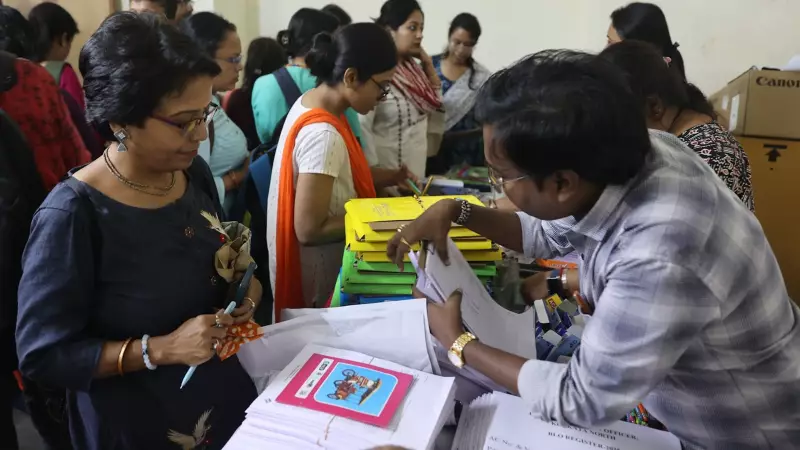
The Special Intensive Revision enumeration form represents a crucial step in maintaining accurate voter databases across India. According to the Election Commission, all voters are required to fill and submit this form either to their Booth Level Officer (BLO) or through the online portal. The digital initiative, announced in November 2025, eliminates the need to download physical forms, allowing citizens to complete the entire process electronically.
Mandatory Requirements for Online Submission
Before beginning the online submission process, voters must ensure their EPIC number is linked to their mobile number. The Electors Photo Identity Card (EPIC) serves as a 10-digit unique identification number issued by the EC. This linking can be completed instantly using Form-8 through the same portal if not already done.

The process requires:
- Current name matching between EPIC and Aadhaar records
- Active mobile number for OTP verification
- Valid EPIC number
- Aadhaar-based e-sign capability
Step-by-Step Guide to Submit SIR Form Online
Follow these detailed steps to complete your enumeration form submission:
- Visit the official portal at voters.eci.gov.in
- Navigate to the 'Services' section and select 'Fill Enumeration Form'
- Enter your mobile number and EPIC number
- Select your state from the dropdown menu
- Verify your electoral data displayed on screen
- Complete the form with last SIR information
- Submit using Aadhaar-based e-sign
How to Verify Your Submission Status
After submitting your form through either BLO or online渠道, you can confirm its upload status through the ECI portal. Log in using your mobile number and OTP, then enter your EPIC number to search for the submission status. The system will immediately display whether your form has been successfully processed or requires further action.
If the displayed mobile number appears incorrect or shows 'submitted' status without your actual submission, contact your local Booth Level Officer immediately for resolution. The Election Commission emphasizes the importance of verifying submission to ensure your voting rights remain protected during electoral roll revisions.