UP Scholarship Status 2026: Complete Guide to Checking Application and Payment Status Online
The Uttar Pradesh government offers a vital scholarship program to support students from diverse backgrounds in pursuing their education. This initiative is open to students belonging to General, Other Backward Classes (OBC), Scheduled Castes (SC), Scheduled Tribes (ST), and various minority communities. Thousands of applicants rely on this scheme annually to fund their academic journeys.
How to Check UP Scholarship Status 2026 Through the Official Portal
Students who have already submitted their applications can easily monitor their UP Scholarship status for 2026 via the official website, scholarship.up.gov.in. The portal includes a dedicated applicant login section that allows users to track both the application progress and payment status in real-time. By regularly checking this status, students can determine whether their forms have been verified, approved, or rejected, ensuring they stay informed about their financial aid.
Step-by-Step Process to Check Scholarship Status Online
Follow these straightforward steps to access your scholarship status on the official portal:

- Visit the official website: scholarship.up.gov.in.
- On the homepage, locate and click on the Status tab.
- Select the appropriate academic year, such as 2025-26.
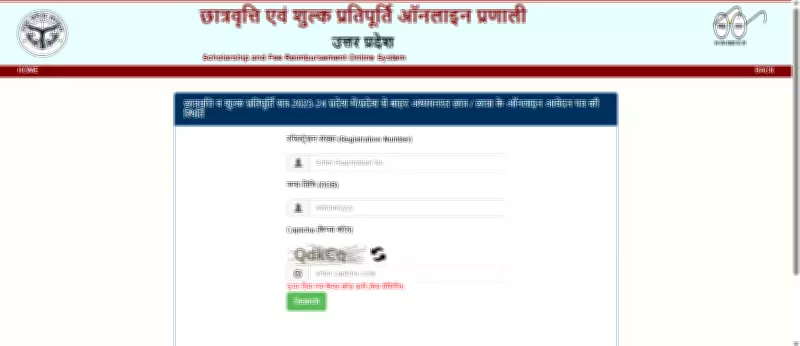
- Enter your Registration Number and Date of Birth accurately.
- Click on the Search button.
- Your scholarship status will be displayed on the screen immediately.
Once you access your status, it may show one of the following details:
- Pending Verification – Your application is still under review by authorities.
- Approved/Disbursed – The scholarship has been approved, and funds may have been transferred.
- Rejected – The application has been declined due to discrepancies or incomplete information.
Students are encouraged to download the status slip as a PDF document for future reference and record-keeping.
Alternative Method: Checking Status Using Registration Number
For added convenience, applicants can also track their scholarship application by utilizing the registration number received during the submission process. Here is how to do it:
- Go to scholarship.up.gov.in.
- Look for options labeled UP Scholarship Status 2026 or Check Status 2026.
- Enter your registration number carefully to avoid errors.
- Select 2026 as the academic year from the dropdown menu.
- Click Submit or Check Status to proceed.
- The system will then display the latest updates regarding your application.
Mobile Access: Checking Status via UMANG App
In today's digital age, students can conveniently monitor their scholarship status on the go using the UMANG mobile application. Follow these steps for mobile tracking:
- Open the UMANG app on your smartphone.
- Use the search function to find UP Scholarship or PFMS.
- Enter the required details, such as registration number or personal information.
- View your scholarship status directly on your mobile device.
It is highly recommended that students regularly visit the official UP Scholarship portal for the latest updates on application verification and payment status. Staying proactive ensures you do not miss any critical deadlines or notifications related to your scholarship.