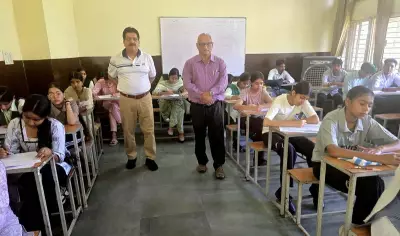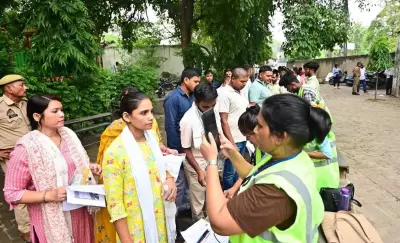
The Uttar Pradesh Madhyamik Shiksha Parishad (UPMSP) is expected to announce the High School (Class 10) and Intermediate (Class 12) results for 2026 in late April. Students who appeared for the exams can access their scorecards through multiple platforms, including the official UPMSP website and the DigiLocker app. Here are five easy methods to download your result PDF.
Method 1: Download via DigiLocker
DigiLocker is a secure digital platform that stores academic documents. To download your UP Board result via DigiLocker, follow these steps:
- Visit the DigiLocker website or open the app.
- Log in using your Aadhaar number or registered mobile number.
- Search for 'UPMSP' in the issued documents section.
- Select your class (10th or 12th) and enter your roll number.
- Download the scorecard PDF.
Method 2: Official UPMSP Website
The official UPMSP website (upmsp.edu.in) will host the results. Steps:

- Go to the result page.
- Enter your roll number and school code.
- Submit to view your result.
- Download and print the scorecard.
Method 3: UP Board Result Portal
The dedicated result portal (upresults.nic.in) is another option. Enter your roll number and click on 'Get Result'. Save the PDF for future reference.
Method 4: SMS Service
Students can also receive results via SMS. Type 'UP10
Method 5: Mobile App
Several mobile apps, such as 'UP Board Result 2026', will provide quick access. Download the app from the Google Play Store or Apple App Store, enter your roll number, and view your result.
Important Note
Students must keep their roll numbers handy. The official result will also be available on the UPMSP website. DigiLocker is recommended for a secure digital copy that can be used for future admissions.
The UP Board 2026 exams were conducted in February-March. Over 55 lakh students appeared for both High School and Intermediate exams. Results are typically declared within two months after the exams.