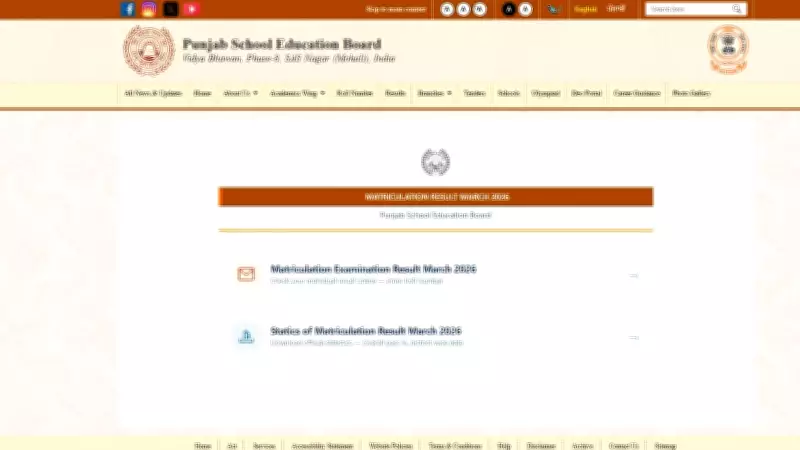
The Punjab School Education Board (PSEB) has announced the Class 12 result for the academic year 2025-2026. Students who appeared for the examination can now check and download their scorecard from the official website pseb.ac.in. The result is available online, and candidates can access their marksheet PDF by following a simple step-by-step process.
How to Download PSEB 12th Marksheet 2026
To download the PSEB Class 12 marksheet, students need to visit the official website and follow these steps:
- Visit the official PSEB website at pseb.ac.in.
- On the homepage, click on the link titled 'PSEB 12th Result 2026' or 'Class 12 Scorecard'.
- Enter your roll number and other required credentials in the login portal.
- Click on the 'Submit' button to view your result.
- Your scorecard will appear on the screen. Download the PDF and take a printout for future reference.
Details Mentioned on the Marksheet
The PSEB 12th marksheet includes important details such as student name, roll number, father's name, mother's name, school name, subject-wise marks, total marks, percentage, grade, and result status. Students are advised to verify all details carefully and contact the board authorities in case of any discrepancy.

Important Points for Students
- The official website pseb.ac.in is the only authentic source for result verification.
- Students should keep their roll number and other login details handy to avoid delays.
- In case of server issues due to heavy traffic, students are advised to try again after some time.
- The marksheet PDF is a crucial document for future academic and career purposes; ensure its safekeeping.
PSEB also provides a facility to apply for re-evaluation or re-checking of answer sheets if students are not satisfied with their marks. The detailed schedule and fee structure for the same will be released shortly on the board's website. Stay tuned for further updates.