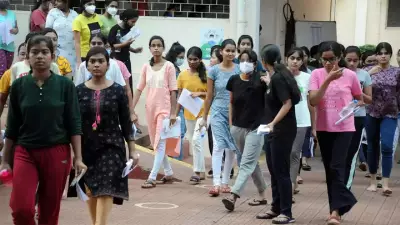
The Jammu and Kashmir Board of School Education (JKBOSE) officially announced the Class 11 Summer Zone results on May 12, 2026, at 5 PM. The scorecards are now accessible online for students across the region. Candidates can obtain their marksheets by visiting the official result portal jkresults.nic.in and entering their roll number and registration number. The board has also issued detailed instructions for downloading the Class 11 marksheet.
How to Download the JKBOSE Class 11 Result Marksheet
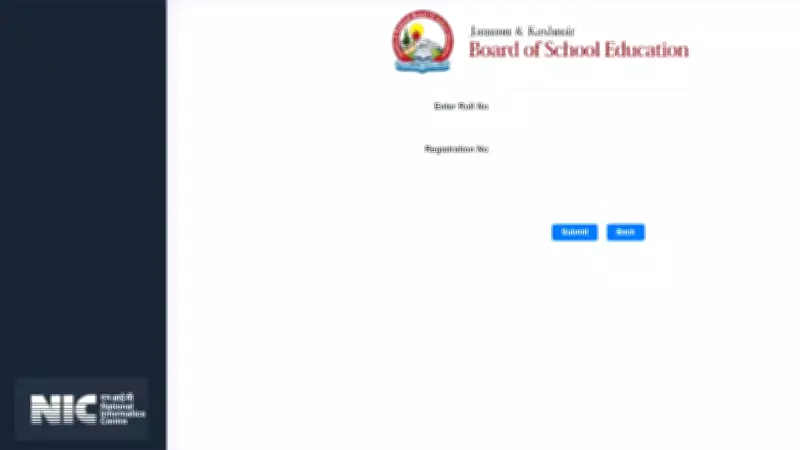
Students need to navigate to jkresults.nic.in and click on the link labeled "Higher Secondary School Examination Class 11 Session Annual Regular Summer Zone 2026." After clicking, they must enter their roll number and registration number in the required fields to view the result. The marksheet displayed on the screen can be downloaded as a PDF file for future reference. It is recommended that students carefully verify all personal and academic details before saving the document.
Direct Link to Access the JKBOSE Class 11 Summer Zone Result 2026
A direct link to check and download the result is provided on the official portal. Students are encouraged to use this link for quick access.

Details Mentioned on the JKBOSE Class 11 Marksheet
According to the board, the online marksheet includes the following information: student's name, father's name, roll number, registration number, marks obtained in theory and practical subjects, aggregate marks, total percentage, result status (pass or fail), school name, and institution code. Students are advised to cross-check all details carefully. Any discrepancies should be reported to their respective school authorities or the regional JKBOSE office for correction at the earliest opportunity.
Official Portal and Result Availability Details
The Jammu and Kashmir Board of School Education has confirmed that the official result is available at jkresults.nic.in. General information can also be accessed through the board's main website, jkbose.nic.in. Hard copy marksheets will be distributed through respective schools shortly after the online declaration, ensuring that students receive official documentation for academic purposes and future admissions processes.
Step-by-Step Guide to Check the Result
To check the Class 11 result, students must first open the official result portal jkresults.nic.in. Then, locate the "Higher Secondary School Examination" link for Summer Zone 2026. After selecting the link, candidates are required to enter their roll number and registration number in the login fields and submit the details to proceed. The result will be displayed on the screen, where students can review subject-wise marks, total score, and qualifying status. Finally, they can download the marksheet in PDF format for their records. Students are advised to keep a printed copy of the downloaded marksheet for future academic requirements and ensure all details are correct before using it for admissions or verification purposes.
For those interested, check West Bengal Class 12 results online here. Ready to navigate global policies? Secure your overseas future with expert guidance now.
About the Author
Sanjay Sharma is a seasoned journalist with over two decades of experience in the media industry. Currently serving as Assistant Editor - Education at TimesofIndia.com, he specializes in education-related content, including board results, job notifications, and studying abroad. Since joining TOI in 2006, he has played a pivotal role in expanding the platform's digital presence and spearheading major education events. Previously, Sanjay held leadership positions in sports journalism, covering high-profile events such as the Cricket World Cup and Olympics. He holds a PG Diploma in Journalism from Bharatiya Vidya Bhawan and is proficient in various content management systems.