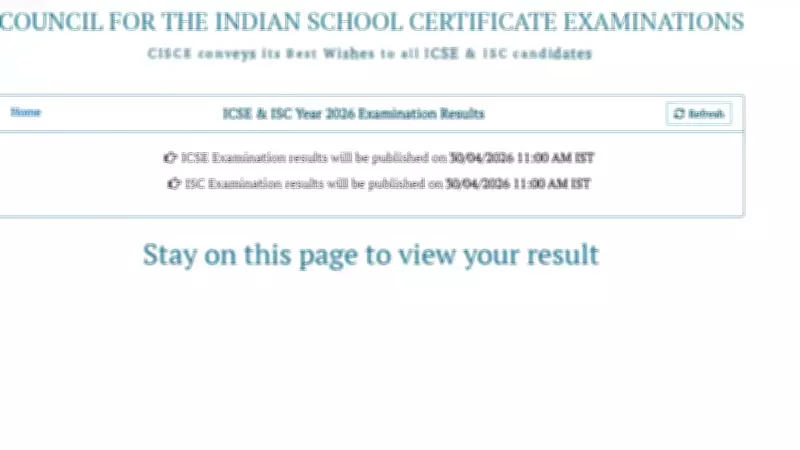
The Council for the Indian School Certificate Examinations (CISCE) has officially announced the results for the Indian Certificate of Secondary Education (ICSE) and Indian School Certificate (ISC) examinations for the year 2025. Students who appeared for these exams can now access their scorecards through multiple platforms, including the official website results.cisce.org, the DigiLocker app, and the Umang app.
How to Download ICSE and ISC Results 2025
To download the scorecard, students need to follow a few simple steps. First, visit the official website results.cisce.org. On the homepage, click on the link for ICSE or ISC results 2025. Enter the required credentials such as unique ID and roll number. The result will be displayed on the screen. Students can download and take a printout for future reference.
Using DigiLocker to Access Marksheets
The DigiLocker platform provides a secure and convenient way to access digital documents. Students can log in to their DigiLocker account using their registered mobile number. Once logged in, they can search for CISCE documents and download the marksheet. This method ensures that the document is authentic and easily accessible anytime.

Using Umang App for Results
The Umang app, a government initiative, also allows students to view and download their ICSE and ISC results. After installing the app, users need to navigate to the education section and select CISCE. Then, they can enter their credentials to fetch the result. The app provides a user-friendly interface and quick access.
Students are advised to keep their login details handy and check for any discrepancies in the results. In case of issues, they can contact the CISCE helpline. The council has also arranged for re-evaluation and re-checking of answer scripts for those who wish to apply.