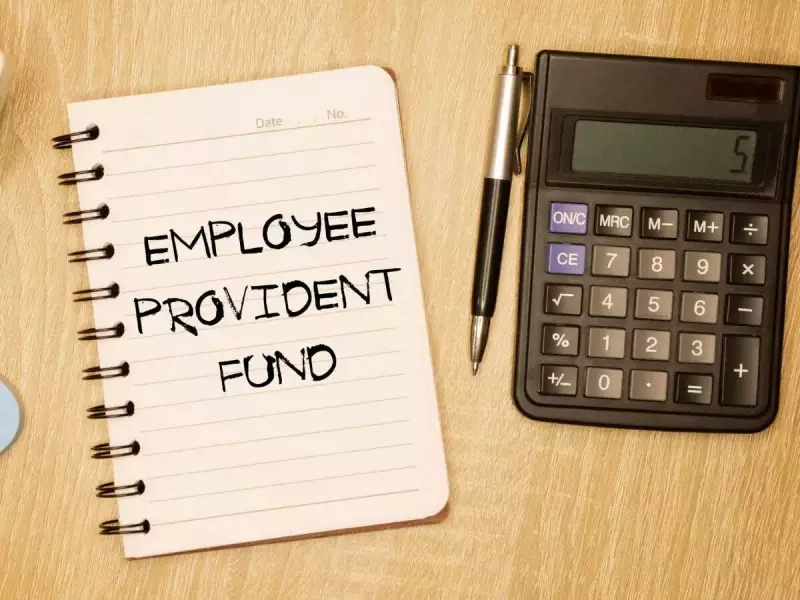
For millions of salaried professionals across India, the Employee Provident Fund (EPF) serves as a cornerstone of post-retirement financial security. However, the modern career path, marked by frequent job changes, often leads to a common problem: multiple, scattered, and sometimes forgotten EPF accounts. These dormant accounts can lock away your hard-earned savings and create hurdles during crucial withdrawals or transfers.
Why Retrieving Your Old EPF Accounts is Crucial
Leaving old provident fund accounts unattended is more than just an administrative oversight; it can directly impact your financial health. Your retirement corpus remains fragmented and inaccessible until all accounts are consolidated. Furthermore, while the funds sit idle, they continue to earn annual interest, which you lose out on if the account is not tracked. Most importantly, when the need arises—be it for a partial withdrawal, a final settlement, or a pension claim—not having all your accounts in order can cause significant and stressful delays.
Your Master Key: The Universal Account Number (UAN)
The solution to this widespread issue lies in a system introduced by the Employees’ Provident Fund Organisation (EPFO): the Universal Account Number (UAN). This 12-digit number acts as a permanent umbrella, under which all your EPF accounts from different employers can be linked. The process of taking control is surprisingly straightforward and can be done online from the comfort of your home.

Step-by-Step Process to Reclaim Your Savings
Step 1: Locate and Activate Your UAN
Begin by visiting the official EPFO Member Portal. If you have forgotten your UAN, you can retrieve it instantly by providing your Aadhaar number, PAN, or old Member ID. Once you have the number, activate it by clicking on the ‘Activate UAN’ link under the ‘Important Links’ section. You will need to verify personal details like your name, date of birth, and registered mobile number linked with Aadhaar or PAN.
Step 2: Check Linked Accounts and Initiate Transfer
After activation, log in to the portal using your UAN and password. Navigate to the ‘Service History’ section to view a complete list of all your EPF accounts linked to this UAN. To merge your old balances into your current active account, use the Online Transfer Claim Portal (OTCP). This seamless transfer ensures your entire retirement savings pool is in one place.
Step 3: Complete KYC for Smooth Transactions
Before any transaction, it is mandatory to update and verify your Know Your Customer (KYC) details on the portal. Ensure your Aadhaar, PAN, and active bank account details are correctly linked and validated. This step is non-negotiable for processing withdrawals, transfers, and final settlements without manual intervention.
Pro Tips for Hassle-Free EPF Management
- Treat your UAN as your financial lifeline and keep it handy at all times.
- Prioritize linking your Aadhaar with your UAN; it dramatically simplifies identity verification and automates many processes.
- Make it a habit to periodically check your digital EPF passbook online to monitor contributions and interest accrual.
- Adopt a proactive approach. Consolidating accounts early prevents last-minute rushes and potential delays during financial emergencies.
For rare cases where an old account is not automatically linked to your UAN, an offline option remains. You can visit the nearest EPFO office with your old PF number, employment details, and KYC documents to submit a manual request for consolidation.
Taking charge of your EPF savings is a critical step toward a stress-free retirement. By leveraging the digital tools provided by EPFO, you can ensure that every rupee you've saved works for you, securely and efficiently.