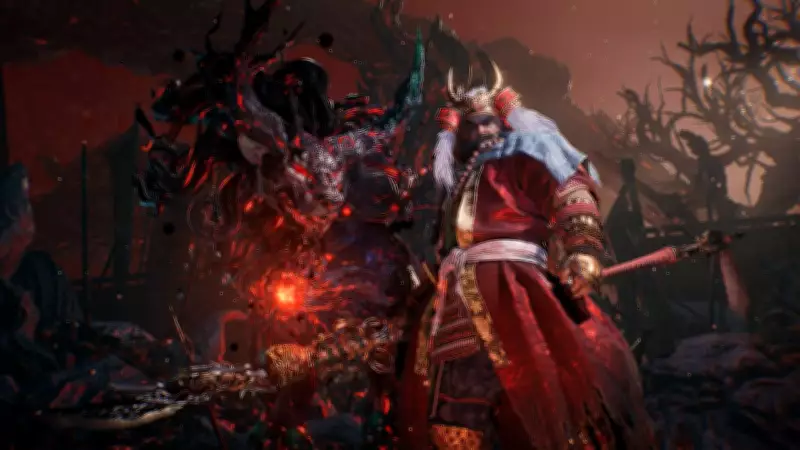
As the highly anticipated release date for Nioh 3 approaches, gamers worldwide are brimming with excitement to embark on this epic fantasy adventure. The preloading feature for Nioh 3 is now accessible for those who have secured their pre-orders in advance, offering a seamless experience free from launch-day hassles.
Why Preloading Nioh 3 Matters
When you pre-order a game like Nioh 3, it provides immense relief by eliminating concerns about progress bars on launch day. By preloading the game as soon as the option becomes available, players can ensure they are ready to dive into the action immediately upon release. This guide is designed to walk you through the entire process of preloading Nioh 3 on your PlayStation 5, making it straightforward and stress-free.
Step-by-Step Tutorial: How to Preload Nioh 3 on PlayStation 5
With the preload option now live, it is crucial to understand some fundamental steps before proceeding. Let us delve into the detailed process to ensure a smooth preloading experience.

Method 1: Via PlayStation Store
If you have pre-ordered Nioh 3 through the PlayStation Store, follow these simple steps:
- Sign in to your PlayStation Network account directly from your PS5 home screen.
- Navigate to the PlayStation Store from the main menu.
- Once inside the store, use the search function to find Nioh 3.
- Select the game page to verify the confirmation status of your pre-order.
- When the preload option is available, simply hit the download button, and your system will automatically begin downloading the necessary files.
Method 2: Using PlayStation 5 Library
An alternative and often faster method involves accessing your PlayStation Library:
- Go to your PlayStation Library from the home screen, where all your purchased games are listed.
- Locate Nioh 3 in your purchase section.
- Select the game and initiate the download process directly.
This approach is highly efficient and allows for quicker tracking of your game downloads.
Essential Storage Considerations
Before starting the preload, players must ensure they have adequate storage space on their PS5 for Nioh 3 to operate smoothly. The download size for Nioh 3 on PS5 is approximately 75.067 GB, which is notably larger than previous installments in the series. It is advisable to free up sufficient storage capacity to accommodate this size and avoid any interruptions during the download process.
What Happens After Preloading Nioh 3
Once the preload is complete, the game will remain locked until the official release time. As soon as the countdown ends, players can launch Nioh 3 and immerse themselves in the thrilling experience without delay. Preloading not only saves time but also alleviates anxiety related to last-minute updates and other potential issues, ensuring a seamless start to your gaming journey.