

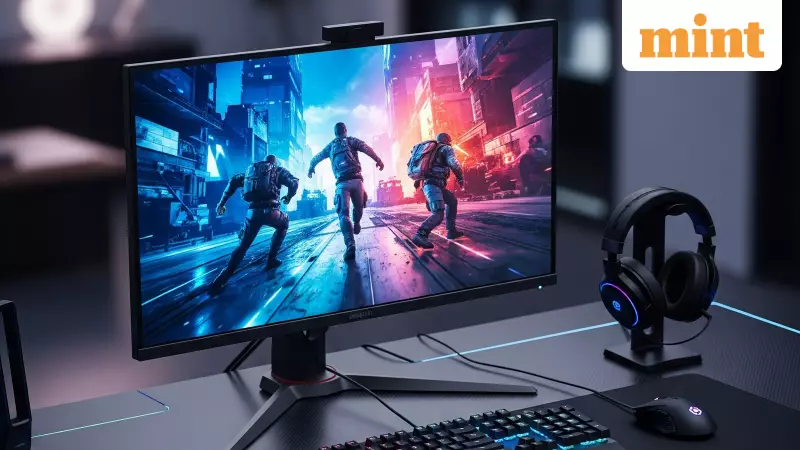
At first glance, most computer monitors look the same. Sleek flat panels, slim borders, and sharp displays are common across the board. But for anyone in India looking to buy a new screen, the real choice lies between a standard monitor and one built for gaming. The differences go beyond just playing titles better and impact everything from daily scrolling comfort to long-term eye strain.
Core Tech: Why Refresh Rate and Response Time Matter
The most significant gap between these two monitor types is found in their core specifications. A regular monitor typically operates at a standard 60Hz or 75Hz refresh rate. This means the image updates 60 to 75 times per second, which is perfectly adequate for office tasks, web browsing, and watching videos.
In contrast, gaming monitors start at a much higher 144Hz and can go up to 240Hz or even 360Hz. This higher refresh rate makes on-screen motion incredibly smooth, which is crucial in fast-paced games for better tracking and quicker reactions. For general use, this results in noticeably fluid cursor movement and seamless scrolling, reducing visual fatigue during long sessions.

Response time is another critical factor. Regular monitors often have slower pixel transition times, which can lead to motion blur or ghosting effects. Gaming monitors are engineered for rapid pixel response, minimising this smearing and keeping visuals crisp during rapid scene changes, benefiting both gaming and dynamic multimedia content.
Picture Quality and Design Priorities
When it comes to visual performance, regular monitors usually aim for colour accuracy and balance. They are often calibrated for tasks like content creation, office work, and media consumption, providing natural-looking colours that are easy on the eyes over extended periods.
Gaming monitors prioritise speed first, but their visual quality has seen massive improvements. Many modern gaming panels now offer wide colour gamuts, high brightness, and improved contrast ratios. The type of panel technology also influences the experience:
- IPS Panels: Common in both categories, known for good colour consistency and wide viewing angles.
- VA Panels: Often found in gaming monitors, offering deeper blacks and higher contrast for a more immersive experience.
- TN Panels: Favoured by competitive gamers for their extreme speed, though they sacrifice colour fidelity and viewing angles.
Extra Features That Enhance Usability
Gaming monitors often pack in features that add value beyond just gaming. Technologies like AMD FreeSync and NVIDIA G-Sync are common, which synchronise the monitor's refresh rate with the graphics card's output to eliminate screen tearing and stuttering for buttery-smooth visuals.
Ergonomics is another area where gaming monitors typically excel. They frequently come with fully adjustable stands allowing for height, tilt, swivel, and even pivot adjustments. This flexibility is crucial for maintaining a comfortable posture during marathon gaming or work sessions. Regular monitors, especially budget-friendly models, often have limited adjustability.
Connectivity options are also more generous on gaming monitors. You are more likely to find multiple HDMI ports, DisplayPort inputs, and integrated USB hubs, making it easier to switch between a gaming PC, a work laptop, and a gaming console.
However, these added benefits come with trade-offs. Gaming monitors generally consume more power and carry a higher price tag. If you won't utilise the high refresh rates or adaptive sync features, a regular monitor offers far better value for money.
Making the Right Choice for Your Needs
So, which monitor is right for you? The decision hinges on your primary usage. A gaming monitor is an excellent investment if motion clarity, responsiveness, and smooth interaction are priorities. It transforms the experience in fast-paced games and makes everyday computing feel noticeably more fluid. Many users find it hard to return to a standard 60Hz screen after experiencing a high refresh rate.

A regular monitor remains the practical and economical choice for users focused on general productivity, academic work, content streaming, and basic creative tasks. It delivers reliable performance without the premium cost associated with gaming-centric features.
Ultimately, the choice isn't strictly about being a gamer or not. It's about how much you value seamless motion, instant responsiveness, and ergonomic flexibility in your daily digital life. Understanding these key differences ensures you invest in a display that truly matches your lifestyle and needs.





