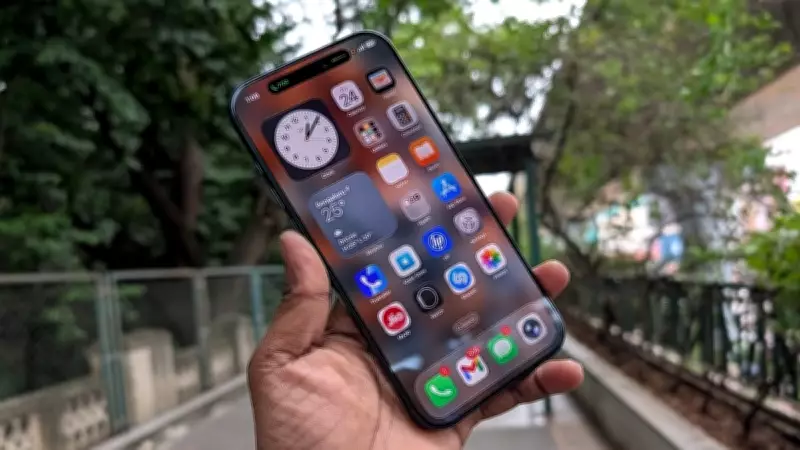
Apple Issues iOS 26.4.1 Update with Essential Security Fix for iPhones
Apple has officially rolled out the iOS 26.4.1 update, a significant release focused on addressing critical security vulnerabilities in iPhones. This update is designed to patch security flaws that could potentially expose users to cyber threats, making it a high-priority installation for all iPhone owners.
Urgent Update Recommended to Mitigate Cyber Risks
Security experts and Apple strongly advise users to update their devices to iOS 26.4.1 as soon as possible. Delaying this update could leave iPhones susceptible to malicious attacks, data breaches, and other cybersecurity risks. The patch is part of Apple's ongoing efforts to enhance device security and protect user privacy in an increasingly digital world.
The update is available for all compatible iPhone models and can be installed via the Settings app under General > Software Update. Users should ensure their devices are connected to Wi-Fi and have sufficient battery life before proceeding with the installation to avoid any interruptions.

Background and Importance of Regular Updates
Regular software updates like iOS 26.4.1 are crucial for maintaining the integrity and security of smartphones. They not only fix bugs and improve performance but also close security gaps that hackers might exploit. Apple's proactive approach in releasing such patches underscores the company's commitment to safeguarding its user base from evolving cyber threats.
This update follows Apple's standard practice of periodically issuing security patches, which are often based on discovered vulnerabilities reported by security researchers or internal audits. Users who neglect these updates may find their devices at higher risk, potentially leading to unauthorized access or data loss.
Steps to Install the iOS 26.4.1 Update
- Open the Settings app on your iPhone.
- Navigate to General and select Software Update.
- If iOS 26.4.1 is available, tap Download and Install.
- Follow the on-screen instructions to complete the update process.
It is recommended to back up your device before updating to prevent any data loss in case of unexpected issues during the installation.
Impact on Other Apple Devices
While this update specifically targets iPhones, Apple often releases corresponding updates for other devices like iPads and Macs to ensure comprehensive security across its ecosystem. Users of these devices should also check for available updates to maintain optimal protection.
The release of iOS 26.4.1 highlights the ongoing need for vigilance in cybersecurity, as threats continue to evolve in sophistication. By keeping devices updated, users can significantly reduce their vulnerability to attacks and enjoy a safer digital experience.