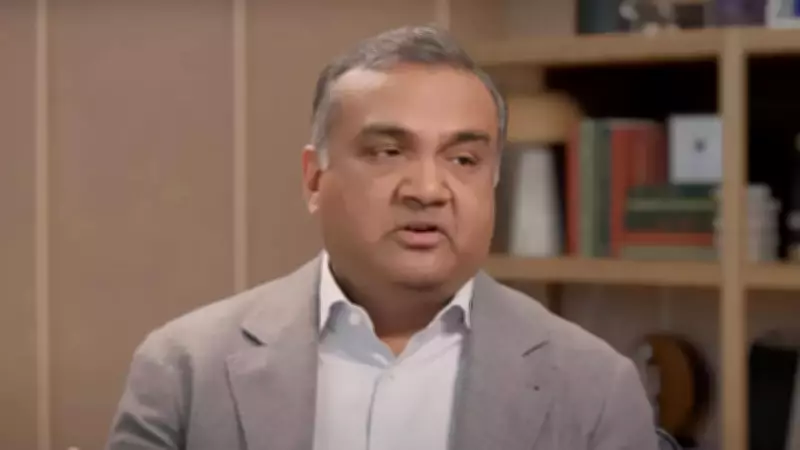
YouTube CEO Neal Mohan has announced a significant update to YouTube TV, introducing a fully customizable multiview feature that gives users greater flexibility in watching live content. Mohan stated that users now have full control to mix and match live streams, enabling them to build a personalized viewing experience they have been requesting.
How the New Multiview Feature Works
With this update, viewers can pin up to four live streams on a single screen, allowing them to watch multiple channels simultaneously without switching between them. This marks a departure from the initial multiview feature launched in 2023, which was limited to curated sports feeds like March Madness and only allowed preordained combinations of live games. The feature was later expanded to include pre-selected streams in categories such as business, news, and weather, but control remained with the platform.
In 2025, YouTube began testing a version that let users create their own multiview setups with select non-sports content. The latest update builds on that experiment by removing most restrictions and allowing broader customization across live streams.

What It Means for Users
Customizable multiview enables users to create their own viewing setup based on real-time preferences. They can follow multiple sports matches, track breaking news across channels, or combine different types of live content in one view. The ability to pin up to four streams turns the screen into a multi-window layout, reducing the need to switch between channels or apps. This changes how users interact with live television, making it more dynamic and user-driven.
Availability
The feature will be available to YouTube TV subscribers and to users subscribed to more than 10 genre-specific plans, according to the company.