Google Finally Enables Label Creation in Gmail for Android Mobile App
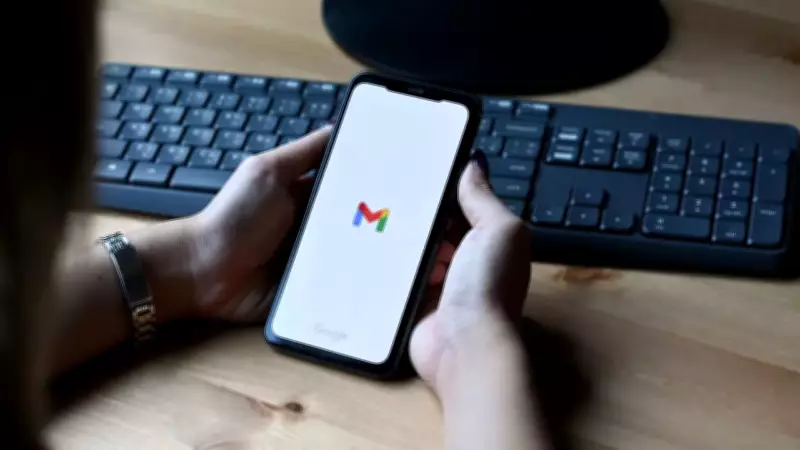
In a significant enhancement to its email service, Google has reportedly initiated the rollout of a highly anticipated update for Gmail on Android devices. According to a report from 9to5Google, this update empowers Android users to create new labels directly within the mobile application, a functionality that was previously restricted to the web version.
Ending Mobile Limitations for Email Organization
Until this latest development, Gmail users on mobile platforms faced considerable limitations in organizing their inboxes. The ability to create custom labels was exclusively available on the desktop interface, forcing Android users to rely on pre-existing labels or switch to a computer for advanced email management. This gap in features often hindered productivity and efficiency for those who primarily access Gmail on their smartphones.
The new update, identified as version 2026.01.26.x, effectively bridges this divide by introducing native label creation capabilities to the Android app. This move is expected to streamline workflow for millions of users who depend on Gmail for both personal and professional communication.

How to Create New Labels in Gmail for Android
As detailed in the report, accessing this new feature is straightforward. Users can open the navigation drawer within the Gmail app, where they will find a fresh option labeled 'Create label' positioned between 'manage subscriptions' and the list of existing labels. Tapping on this option launches a simple interface that allows for entering a new label name.
To indicate that the feature is active, Google has included visual cues: a pill-shaped 'New' tag and a circular badge on the hamburger menu. These elements ensure users can easily identify and utilize the new functionality without confusion.
Enhanced Control with Label Deletion on Mobile
Alongside the creation feature, the update also enables users to delete labels directly from their Android devices. To remove unwanted labels, one can navigate through Settings > Gmail address > Notifications > Manage labels. From there, users can select and eliminate labels seamlessly, all without the necessity of accessing the desktop version.
This dual capability of creating and deleting labels on the go represents a substantial upgrade in Gmail's mobile organizational tools, offering greater flexibility and control over email management.
Context: Google's Ongoing AI Integration in Gmail
This label update follows closely on the heels of other recent enhancements to Gmail, particularly those involving artificial intelligence. Last month, Google introduced several AI-powered features, including an AI Overviews-like function for inboxes that allows users to ask questions in plain English instead of searching with keywords.
Additionally, the company launched an 'AI Inbox' tab, which replaces the traditional chronological email list with a personalized briefing. While these AI features are currently available only to a select group of users, Google has made Writing Tools—previously limited—free for everyone, further enriching the Gmail experience with advanced technology.
The integration of AI, combined with practical updates like mobile label creation, underscores Google's commitment to evolving Gmail into a more intelligent and user-friendly platform. As the digital landscape continues to shift towards mobile-centric usage, such updates are crucial for maintaining competitiveness and meeting user expectations.