The Assam Higher Secondary Education Council (AHSEC) has enabled students to download their HS (Class 12) marksheets via DigiLocker. This digital facility allows easy access to official documents anytime, anywhere. Here are five ways to download the Assam Board 12th marksheet PDF for 2026.
Method 1: Via DigiLocker Official Website
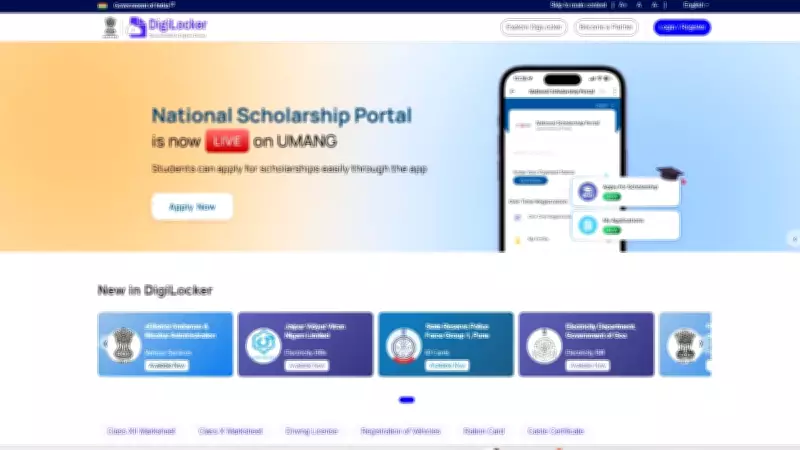
Visit the DigiLocker website at digilocker.gov.in. Log in using your Aadhaar number or registered mobile number. Navigate to 'Issued Documents' and select 'AHSEC' from the list. Find your marksheet and click 'Download' to save the PDF.
Method 2: Using the DigiLocker Mobile App
Install the DigiLocker app from Google Play Store or Apple App Store. Log in and go to 'Documents' section. Search for 'AHSEC' and select your marksheet. Tap 'Download' to save it to your device.

Method 3: Through the AHSEC Official Portal
Go to the official AHSEC website (ahsec.assam.gov.in). Click on the 'Results' tab and select 'HS Marksheet 2026'. Enter your roll number and other details. The marksheet will appear; you can download it as PDF. You may also get a DigiLocker link to save it permanently.
Method 4: Via SMS Service
Send an SMS to the designated number provided by AHSEC. Type 'AHSEC
Method 5: From Your School
Visit your school with a valid ID proof. The school administration can provide a printed copy or help you access the DigiLocker version. Some schools may also have a computer lab where you can download the marksheet.
Important Points to Remember
- Ensure you have a registered mobile number linked to your Aadhaar for DigiLocker access.
- The marksheet PDF is digitally signed and legally valid.
- Keep multiple backups of the downloaded file.
- In case of any discrepancy, contact your school or AHSEC helpline.
These methods make it convenient for students to obtain their AHSEC HS marksheet without physical visits. The DigiLocker integration ensures authenticity and easy sharing with universities and employers.