The Telangana State Industrial Training Department has released the marks memo for the Industrial Training (ITI) Post-Secondary Admission Selection (IPASE) exam. Candidates who appeared for the exam can now download their marks memo in PDF format through the DigiLocker platform. This article provides a step-by-step guide to help you access and download your TS IPASE marks memo easily.
How to Download TS IPASE Marks Memo via DigiLocker
Follow these simple steps to download your marks memo:
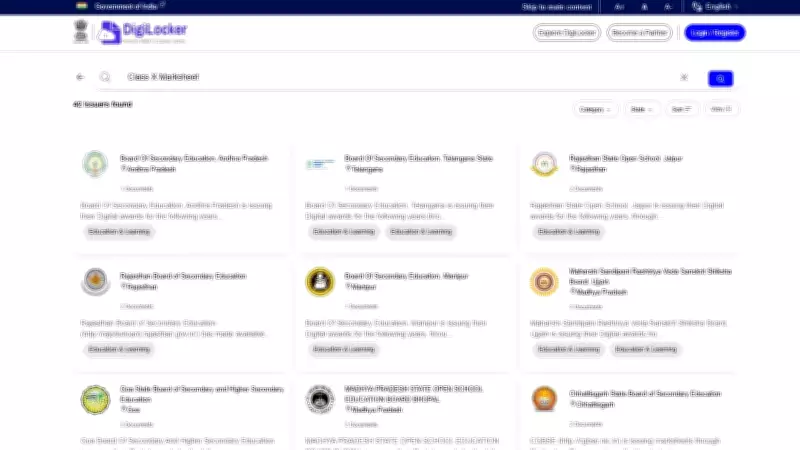
- Visit the DigiLocker website: Go to the official DigiLocker portal at digilocker.gov.in.
- Log in to your account: Use your registered mobile number or Aadhaar number to log in. If you don't have an account, you can create one using your Aadhaar details.
- Search for TS IPASE marks memo: Once logged in, look for the 'Issued Documents' section. Search for 'TS IPASE' or 'Industrial Training Department' to find your marks memo.
- Select the document: Click on the appropriate document link to view your marks memo.
- Download the PDF: After verifying your details, click on the download button to save the PDF to your device.
Important Points to Remember
- Ensure your DigiLocker account is linked to a valid mobile number or Aadhaar number.
- The marks memo is issued in digital format only; no physical copies will be sent.
- Check all details on the marks memo for any errors and report them to the department immediately.
- Keep a printed copy of the marks memo for future reference.
By following these steps, you can easily access your TS IPASE marks memo from anywhere. The DigiLocker platform ensures secure and convenient access to official documents. For any technical issues, contact the DigiLocker support team or the Telangana State Industrial Training Department.

—