Purnea University UG End-Semester Exam Admit Cards Now Available Online
Purnea University has officially released the admit cards for the Undergraduate (UG) end-semester examinations through its official portal, purneau.ac.in. The crucial examination series is scheduled to commence from March 30, 2026, marking a significant academic milestone for students.
Revised Examination Schedule and Key Details
According to the latest notification from the university's examination department, the revised schedule specifically applies to first-semester students enrolled in the B.A., B.Sc., and B.Com programs for the December 2025 academic session. This cohort, known as the 2025–29 batch, must adhere strictly to the published timetable.
The examinations will be conducted in two distinct sittings each day to accommodate the large number of candidates. The first session will run from 10:00 AM to 1:00 PM, followed by the second session from 2:00 PM to 5:00 PM. University authorities have emphasized that entry into any examination hall will be strictly prohibited without a valid, printed admit card. Students are urged to verify all personal and academic details on their hall tickets well in advance, including subject codes and designated exam centers, to prevent any last-minute complications or discrepancies.

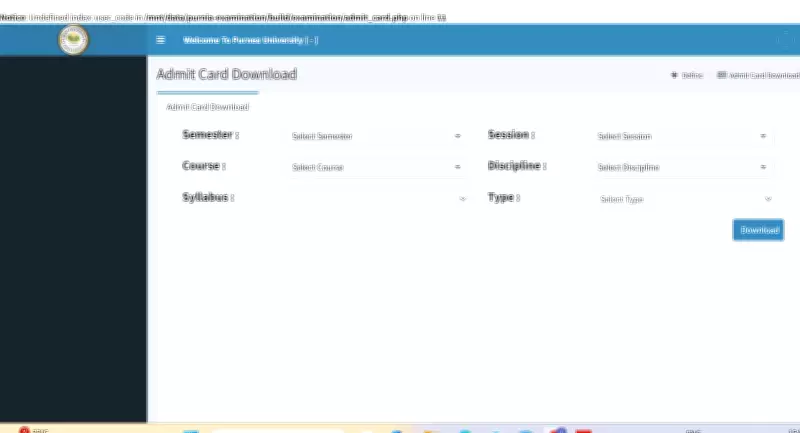
Step-by-Step Guide to Download Admit Card
Candidates can follow these clear steps to successfully download their Purnea University admit card for the 2026 examinations from the official website:
- Navigate to the official Purnea University website at purneau.ac.in.
- On the homepage, locate and click on the "Examination" or "Admit Card" section.
- Select the specific link labeled "UG Semester Admit Card 2026."
- Enter your unique registration number or roll number along with any other required personal details.
- Click on the "Submit" or "Login" button to proceed.
- Your admit card will be displayed on the screen. Carefully review all information.
- Download the hall ticket and take multiple printouts for future use during the examination period.
Aspirants are strongly advised to regularly check the official university website for any updates, announcements, or changes to the examination schedule. Ensuring you have the correct and latest admit card is essential for a smooth examination experience.