BITSAT 2026 Admit Card Now Available for Download
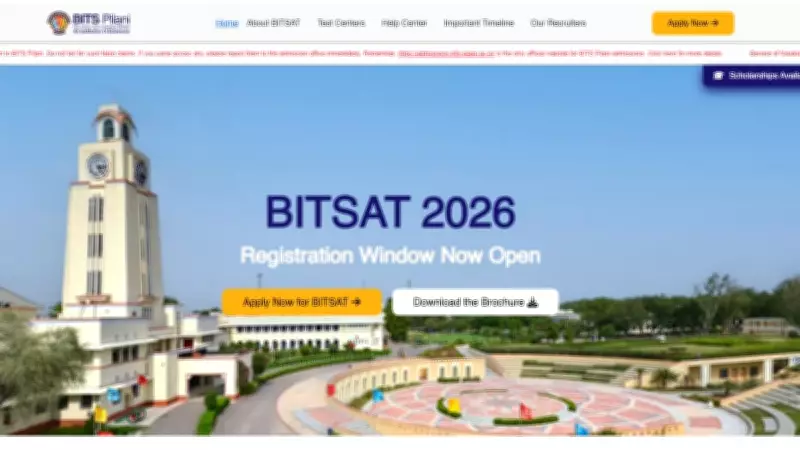
Birla Institute of Technology and Science (BITS) Pilani has officially released the BITSAT 2026 admit card for candidates who have registered for the entrance examination. The admit card is accessible through the official admissions portal at admissions.bits-pilani.ac.in. This crucial document is mandatory for appearing in the BITS Admission Test (BITSAT) scheduled for the 2026 academic session.
How to Download BITSAT 2026 Admit Card
Candidates must follow a straightforward process to obtain their admit card. First, visit the official BITS Pilani admissions website. Then, locate the link for BITSAT 2026 Admit Card Download on the homepage. You will be prompted to enter your login credentials, which include your application number and password created during registration. After submitting these details, the admit card will be displayed on the screen. It is essential to download and print a copy for future reference and examination day requirements.
Login Credentials and Important Details
The login credentials consist of the application number and password provided during the BITSAT 2026 registration process. If candidates have forgotten their password, they can use the Forgot Password option on the portal to reset it via registered email or mobile number. The admit card contains vital information such as the candidate's name, roll number, examination date, time, venue, and instructions for the test day. Candidates should verify all details carefully and report any discrepancies to the BITS authorities immediately.

Examination Schedule and Preparation Tips
BITSAT 2026 is a computer-based test conducted for admissions to integrated first-degree programs at BITS Pilani campuses in Pilani, Goa, and Hyderabad. The examination typically assesses proficiency in subjects like Physics, Chemistry, Mathematics, and English. With the admit card release, candidates are advised to intensify their preparation and familiarize themselves with the exam pattern. Ensure you carry the admit card along with a valid photo ID to the examination center. Failure to present these documents may result in disqualification.
Key Points to Remember
- Download the admit card only from the official website to avoid fraud.
- Check all personal and exam details on the admit card for accuracy.
- Keep multiple printed copies of the admit card as a backup.
- Follow all examination day guidelines mentioned on the admit card.
- Contact BITS Pilani helpdesk for any technical issues during download.
This announcement marks a significant step in the BITSAT 2026 admission process, and candidates are urged to act promptly to secure their admit cards. Stay updated with official notifications for any changes in the examination schedule or procedures.