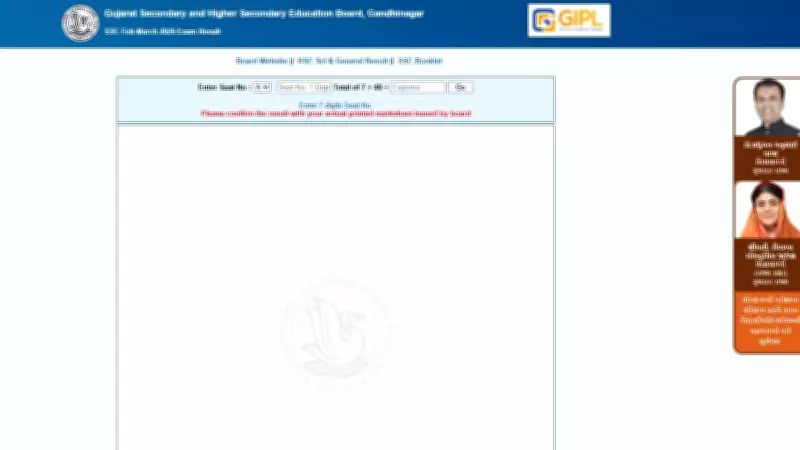
The Gujarat Secondary and Higher Secondary Education Board (GSEB) has declared the SSC (Class 10) examination results for the year 2026. Students who appeared for the exams can now access their results on the official website, gseb.org. The results were announced on May 6, 2026, at 8:00 AM. This year, the overall pass percentage has shown a slight improvement compared to the previous year.
How to Check GSEB SSC Result 2026
Students can follow the steps below to view and download their scorecard:
- Visit the official GSEB website at gseb.org.
- Click on the link titled 'SSC Result 2026' on the homepage.
- Enter your seat number and date of birth in the required fields.
- Click on the 'Submit' button to view your result.
- The result will be displayed on the screen. Download and take a printout for future reference.
Details Mentioned on the Scorecard
The GSEB SSC scorecard includes the following details: student's name, roll number, father's name, mother's name, school name, subject-wise marks, total marks, percentage, and result status (pass/fail). Students are advised to verify all the details carefully and report any discrepancies to the board immediately.

GSEB SSC Result 2026: Important Points
- The results are available only online. No physical copies will be sent to schools.
- The official website may experience heavy traffic; students are advised to use alternative mirror sites if needed.
- GSEB will also provide results via SMS and mobile app for convenience.
- Students who are not satisfied with their marks can apply for revaluation or rechecking within 15 days of result declaration.
For any queries, students can contact the GSEB helpline numbers or visit the board's office in Gandhinagar. The board wishes all students the best for their future endeavors.