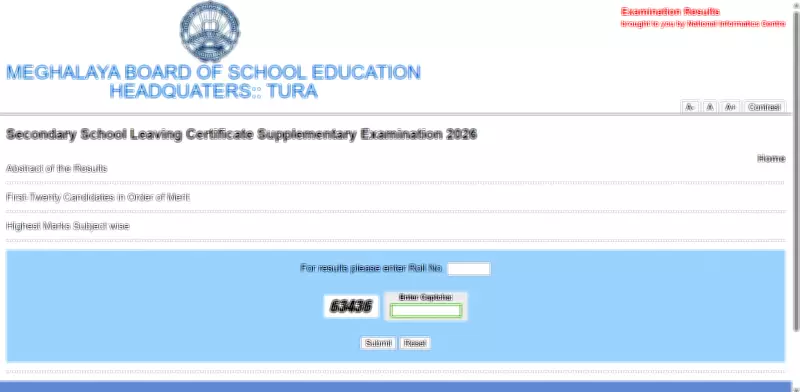
The Meghalaya Board of School Education (MBOSE) has officially declared the Secondary School Leaving Certificate (SSLC) supplementary result for the year 2026 today, May 22. Students who appeared for the Class 10 supplementary examinations can now access and download their marksheets from the official result website, megresults.nic.in.
How to Check MBOSE SSLC Supplementary Result 2026
To view the result, students must visit the MBOSE result portal and click on the 'SSLC Supplementary Result 2026' link. In the login window, they need to enter their roll number and the captcha code. After submitting the details, the marksheet will be displayed on the screen. Students are advised to download and save it for future reference.
Steps to Download Result via DigiLocker
Alternatively, students can access their marksheets through the DigiLocker platform. They need to open the DigiLocker website or app, log in using their mobile number or Aadhaar details, and navigate to the 'Documents' or 'Education' section. Then, search for Meghalaya Board of School Education (MBOSE) and select 'Class 10 Marksheet/SSLC Result 2026'. Enter the roll number and choose the year 2026 to view and download the marksheet.

MBOSE SSLC Supplementary Examination Details
The MBOSE SSLC supplementary examinations for 2026 were conducted from May 1 to May 8. To pass the supplementary examination, students must secure at least 30 per cent marks in each subject. It is important to note that the online marksheet is provisional in nature. The original certificates and marksheets will be issued later by the respective schools for official and future use.
Students who have cleared the supplementary examination can now plan their next academic steps with confidence. For any further assistance, they can refer to the official MBOSE website or contact their school authorities.