The Uttar Pradesh Madhyamik Shiksha Parishad (UPMSP) has released the results for the 10th and 12th board examinations for the year 2026. Students who appeared for these exams can now download their scorecard PDF from the official website and alternative platforms like indiaresults.com. This article provides a comprehensive guide on how to access and download the UP Board marksheet efficiently.
Official Websites for UPMSP Result 2026
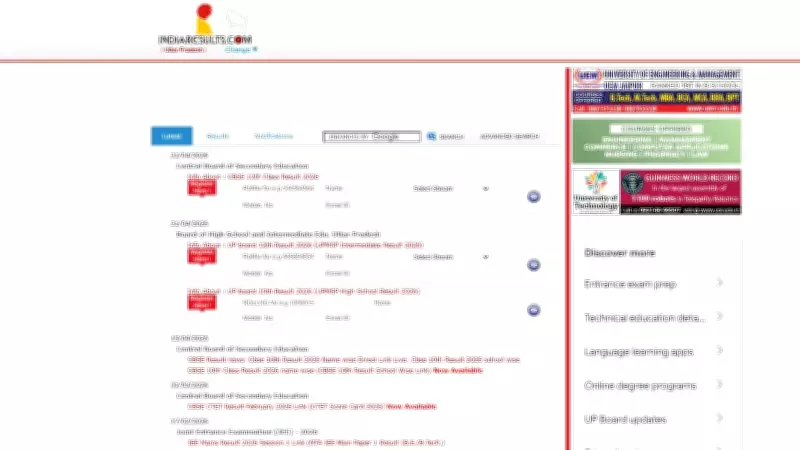
The primary website to check the UPMSP result is upmsp.edu.in. However, due to heavy traffic, the site may experience slowdowns. Alternative websites such as indiaresults.com and examresults.net also host the results for convenience. Students can use these platforms to download their scorecard without hassle.
Steps to Download UPMSP 10th and 12th Scorecard PDF
- Visit the Official Website: Go to upmsp.edu.in or any alternative site like indiaresults.com.
- Click on the Result Link: Look for the link that says 'UPMSP 10th Result 2026' or 'UPMSP 12th Result 2026' and click on it.
- Enter Your Credentials: You will need to enter your roll number and other required details such as date of birth or mother's name.
- Submit and View Result: After entering the details, click on the 'Submit' button. Your scorecard will be displayed on the screen.
- Download and Print: Use the download option to save the PDF of your marksheet. It is advisable to take a printout for future reference.
Alternative Methods to Access Scorecard
If the official website is inaccessible, students can use the following alternative methods:

- IndiaResults.com: This portal provides a mirror of the official results. Follow the same steps as above.
- ExamResults.net: Another reliable platform that updates results promptly.
- SMS Service: Some mobile networks offer result alerts via SMS. Check with your service provider for details.
- School Notice Board: Schools often display the results on their notice boards. Students can visit their respective schools to check.
Important Details on the Scorecard
The UPMSP scorecard PDF contains essential information such as student's name, roll number, father's name, mother's name, date of birth, subject-wise marks, total marks, percentage, and grade. Students must verify all details carefully and report any discrepancies to the board immediately.
How to Check Result via SMS
For students without internet access, the UPMSP result can be checked via SMS. Type 'UPRESULT' followed by your roll number and send it to a designated number (e.g., 56263). The result will be sent to your mobile phone as a text message.
Re-evaluation and Supplementary Exams
If a student is not satisfied with their marks, they can apply for re-evaluation or re-checking of answer sheets. The application process is usually online through the official website. Additionally, students who failed can appear for supplementary exams, which are typically held within a few months.
It is crucial for students to keep multiple copies of their scorecard for college admissions and future endeavors. The UPMSP 10th and 12th scorecard is a vital document that certifies the completion of secondary and senior secondary education.
In conclusion, downloading the UPMSP 10th and 12th scorecard PDF is a straightforward process. By using official and alternative websites, students can easily access their results and avoid the stress of server overloads. Stay calm and follow the steps outlined above to obtain your marksheet.