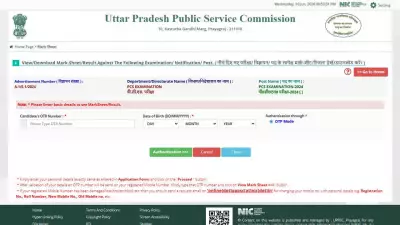
The Kerala Infrastructure and Technology for Education (KITE) has activated the link to download the plus two marksheet on its official website. Students who appeared for the Kerala Higher Secondary Examination (DHSE) can now access and download their scorecard in PDF format from kite.kerala.gov.in. The step-by-step process is simple and requires the student's registration number and date of birth. Here are the six steps to download the marksheet:
Steps to Download Plus Two Marksheet from KITE Kerala
- Visit the official KITE portal at kite.kerala.gov.in.
- Click on the 'Plus Two Marksheet' link available on the homepage.
- Enter your registration number and date of birth in the required fields.
- Click the 'Submit' button to view your scorecard.
- The marksheet will appear on the screen. Check all details carefully.
- Download the PDF and take a printout for future reference.
Students are advised to verify all personal and academic details mentioned on the marksheet. In case of any discrepancy, they should contact the respective school or the DHSE office immediately. The online marksheet is considered an official document and can be used for admission and employment purposes. KITE has also released a mobile app for easy access to results and other educational services. This initiative aims to provide a seamless digital experience for students across Kerala.