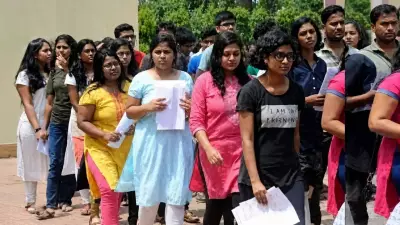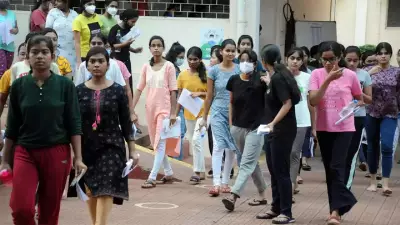
The Union Public Service Commission (UPSC) has officially released the results for the Civil Services (Preliminary) Examination 2026 on June 15, 2026. Candidates who appeared for the exam can now check their results on the official website upsc.gov.in. The result is published in a PDF format containing roll numbers of qualified candidates.
How to Download UPSC CSE Prelims Result 2026
Follow these simple steps to download the result:
- Visit the official UPSC website at upsc.gov.in.
- Click on the 'Examination' tab on the homepage.
- Select 'Result' from the dropdown menu.
- Find the link for 'Civil Services (Preliminary) Examination, 2026' and click on it.
- A PDF file will open containing the roll numbers of qualified candidates.
- Use the search function (Ctrl+F) to find your roll number.
Important Details
The UPSC CSE Prelims 2026 was conducted on June 2, 2026, across various centers in the country. The exam is the first stage of the selection process for prestigious civil services positions including IAS, IPS, and IFS. Candidates who clear the prelims are eligible to appear for the Mains examination, which is scheduled for September 2026.

According to UPSC, the result PDF includes the roll numbers of all candidates who have qualified for the next stage. The commission has also released the cutoff marks for different categories, which are available on the website.
What After Clearing Prelims?
Qualified candidates must now prepare for the UPSC CSE Mains 2026. The Mains exam consists of nine papers, including essay, general studies, and optional subjects. Candidates are advised to download their admit cards for the Mains exam from the official website once released.
For any queries, candidates can contact UPSC through their helpline numbers or email. The commission has also provided a list of frequently asked questions on the website to assist candidates.
Stay tuned for more updates on the UPSC CSE 2026 recruitment process.